
Create Product Catalogues from Excel, Photos, or PDFs
Add your products however you have them. Pick a template. Get a professional PDF and a shareable online link.
Bring products in from any source
Files, photos, PDFs, or manual entry — all become catalogue-ready products.
Spreadsheet
Map Excel or CSV columns into products.
Excel importPhotos
Bulk upload images and let AI draft listings.
Photo importPDF or document
Extract products from an existing catalogue.
PDF importManual entry
Add products directly when you want control.
Start manuallyAI structures your products
Review products once, then publish them as catalogues, PDFs, and stores.
Publish as PDF and Store
One reviewed catalogue can become a downloadable PDF and a live buyer-facing store link.
PDF Catalogue
Create polished catalogue PDFs for WhatsApp, print, and buyer follow-ups.
Online Store
Share a live catalogue storefront where buyers can browse, cart, and enquire.
Browse Real Stores
Built with Photoship. Products, search, cart, and WhatsApp ordering — all live.
Falafel House
Food & CafeMenu catalogue with WhatsApp ordering
Watch Store
Jewelry & WatchesProduct showcase with image galleries
The Clothing Store
Fashion & ArtFashion catalogue with variant selectors
Furniture Store
Home & LivingFurniture catalogue with detailed products
Resources & Guides
Everything you need to create professional catalogues
Documentation
Step-by-step guides for every feature. Learn how to import from Excel, upload PDFs, and create catalogues.
Read the docs →Sample Catalogues
Download professional PDF examples. See Magazine, Wholesale, and Portfolio templates in action.
View samples →FAQ
Common questions answered. Learn about pricing, Excel import, sharing, and more.
View FAQ →See Photoship In Action
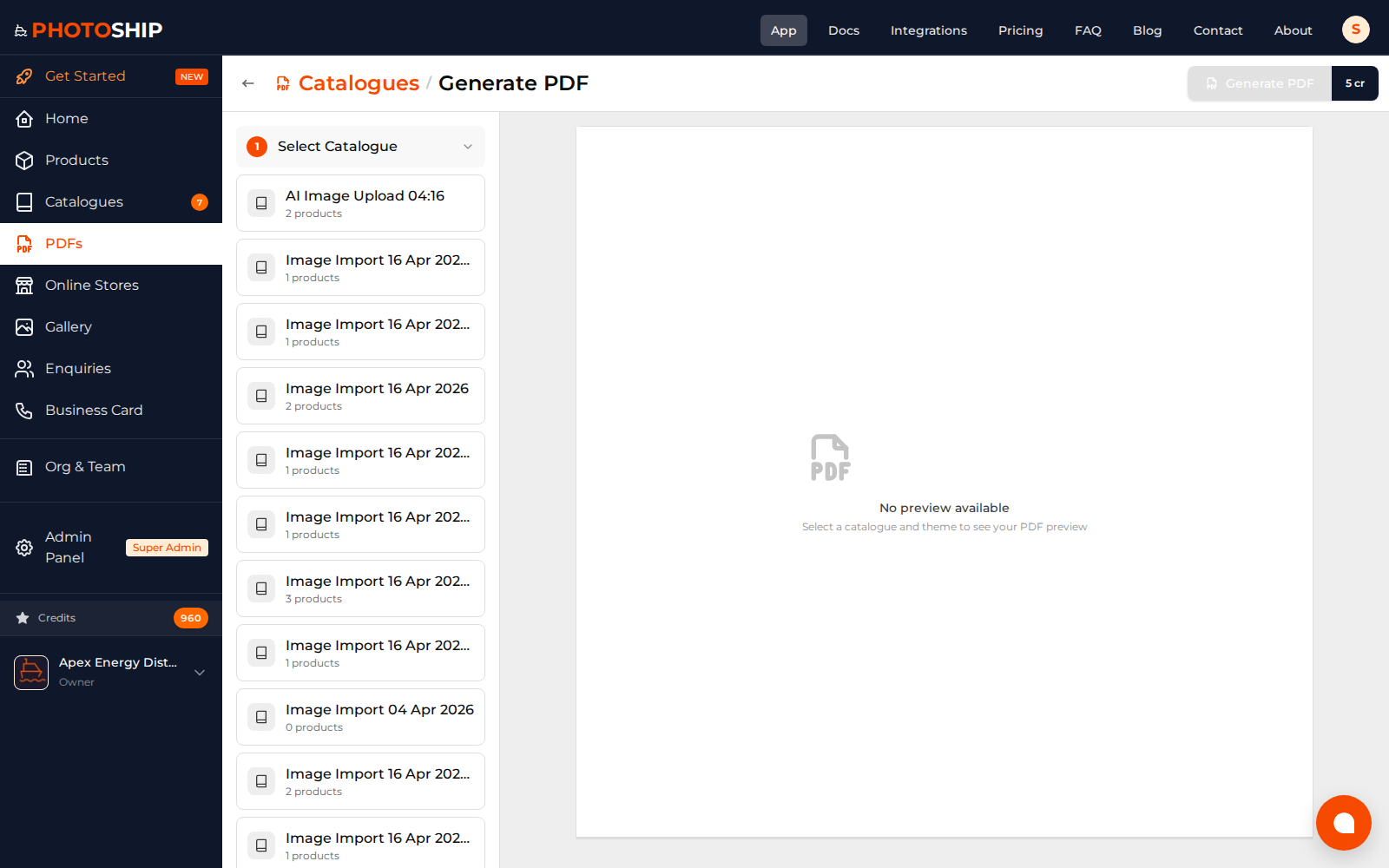
Real screenshots from the platform


Free Tools
Professional tools at no cost
Start Creating Today
No credit card required. No hidden fees. Create professional catalogues and upgrade only when you need more.