


See Photoship In Action
Explore the current Photoship flow: choose an outcome, pick a source, then continue to PDF, store, share, or import cleanup.
Your Complete Catalogue Creation Journey
Intent-first screens from the latest workspace
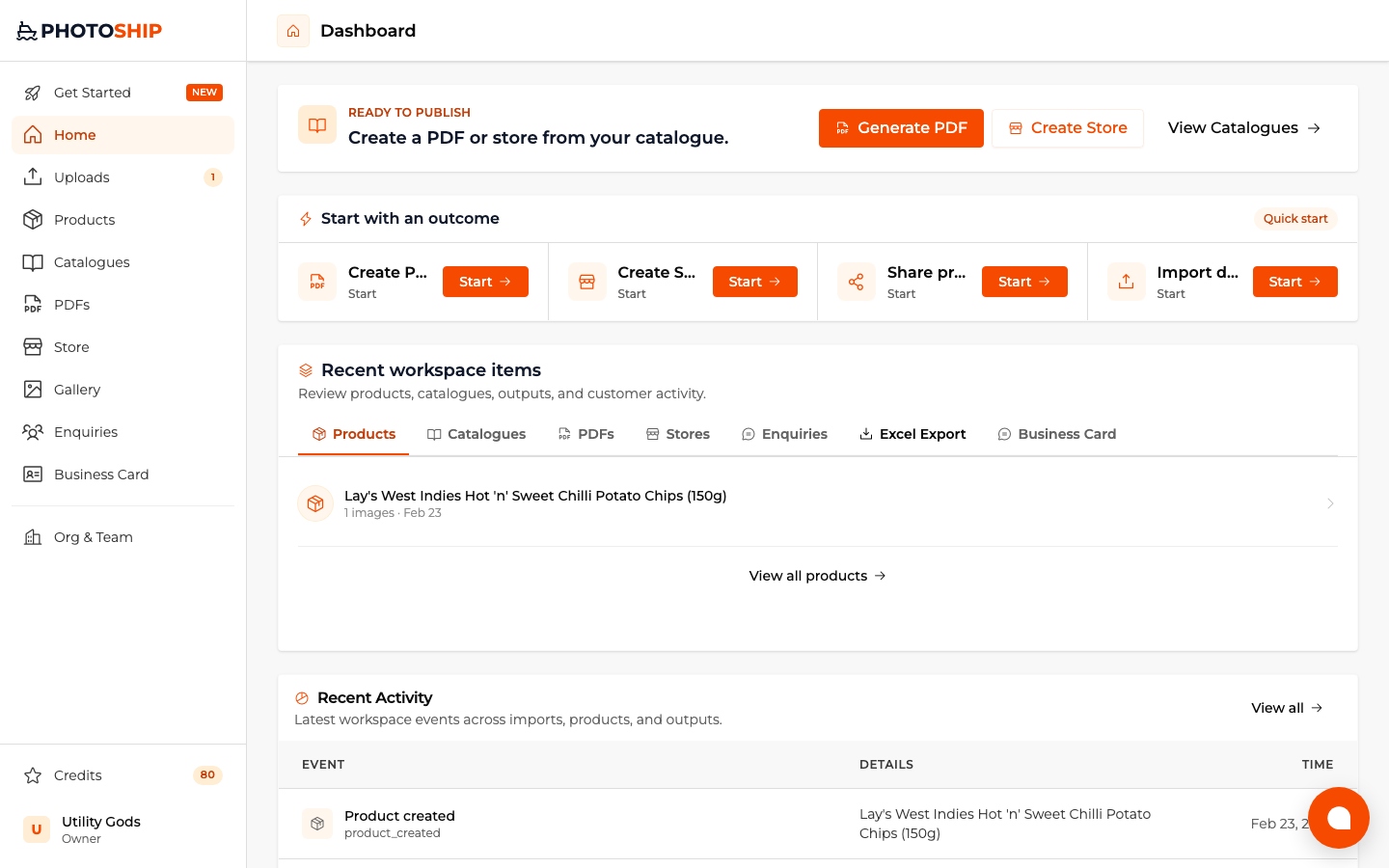
Start with an outcome
The dashboard leads with PDF, store, share, and import cleanup instead of making you start from product rows.
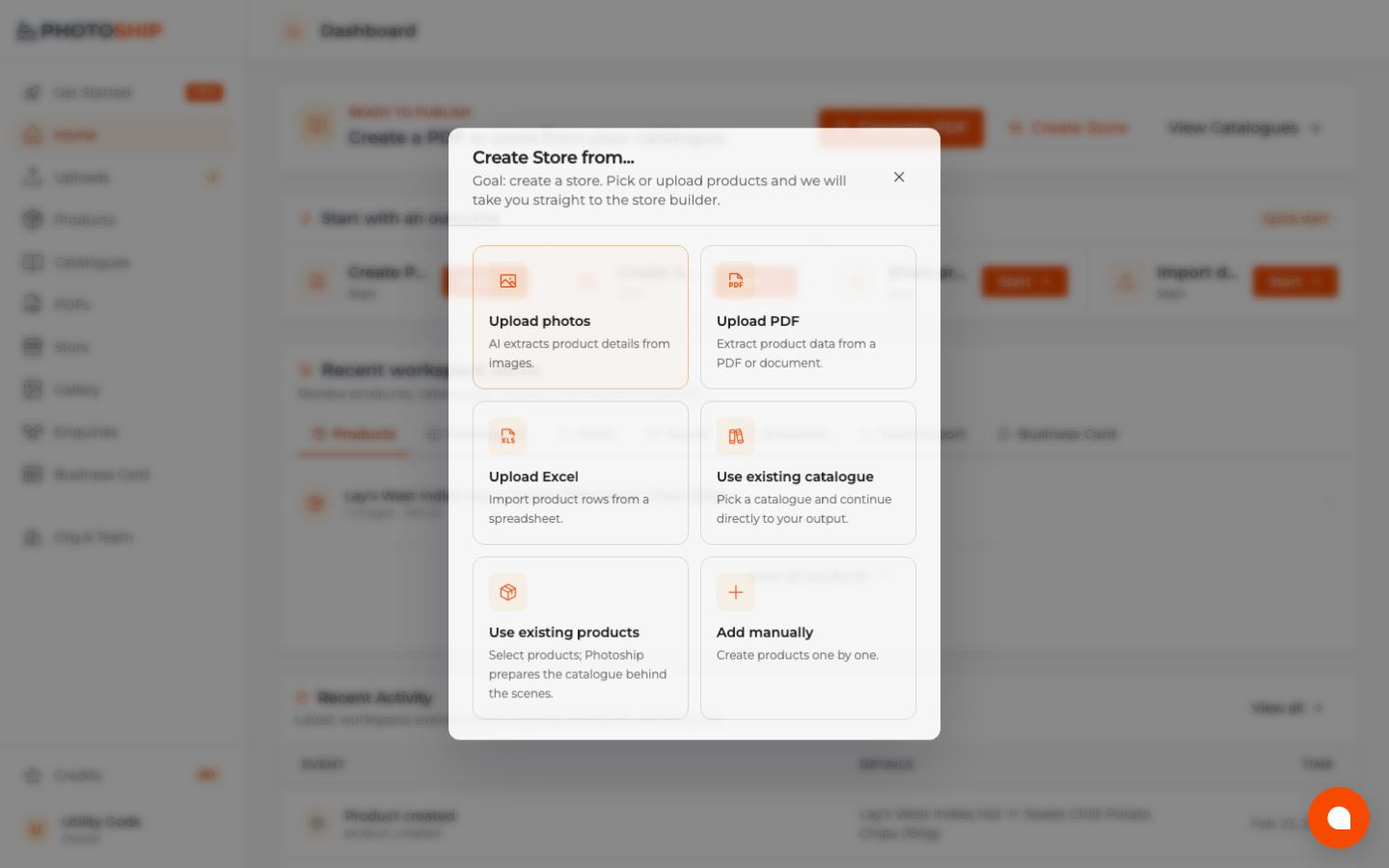
Choose a source
After you pick an outcome, Photoship asks whether the data comes from photos, PDF, Excel, products, or catalogues.
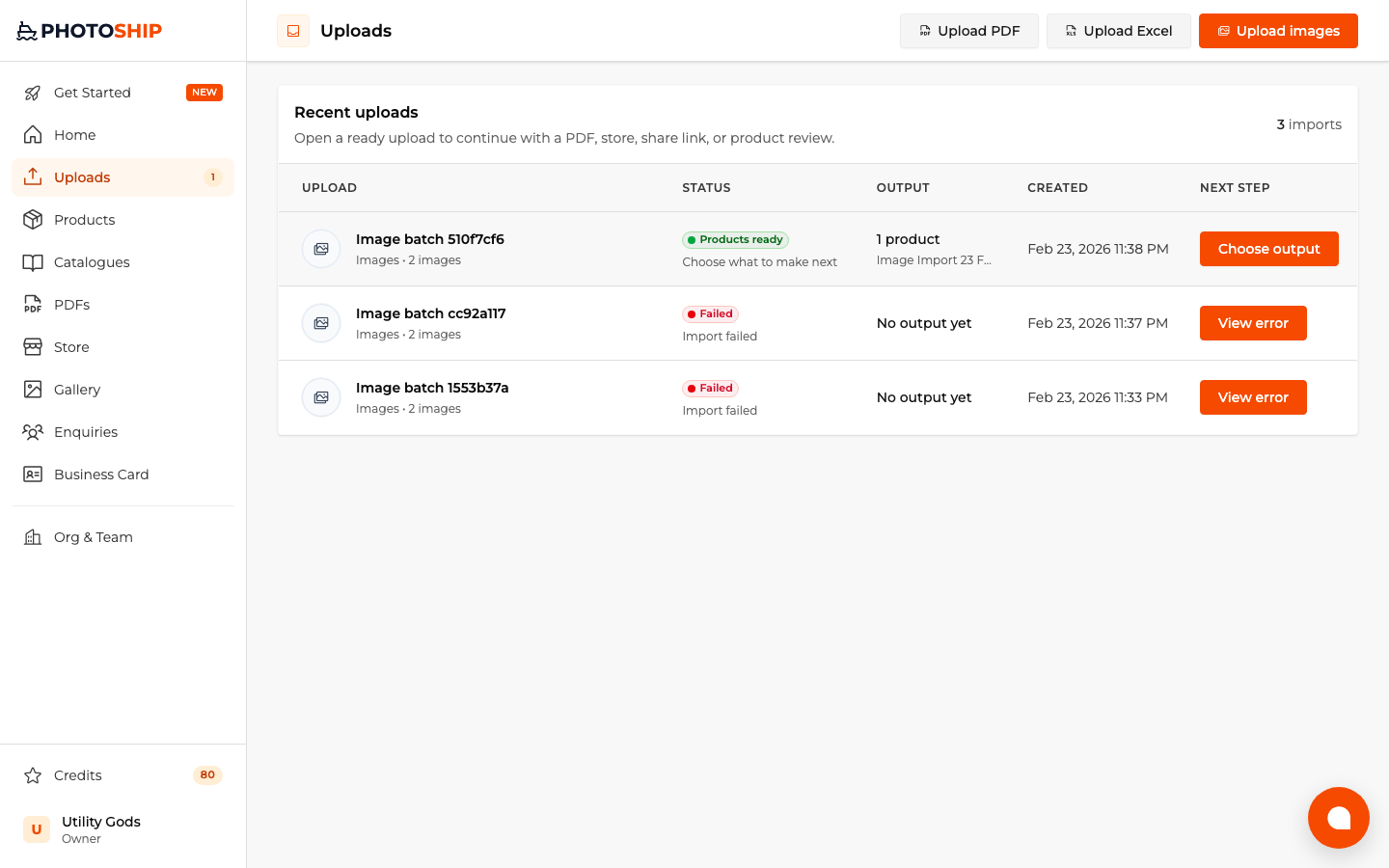
Resume imports
Uploads and AI processing stay visible with the next output action ready when processing finishes.
Store from photos
The same guided flow continues inside game mode when your source is product images.

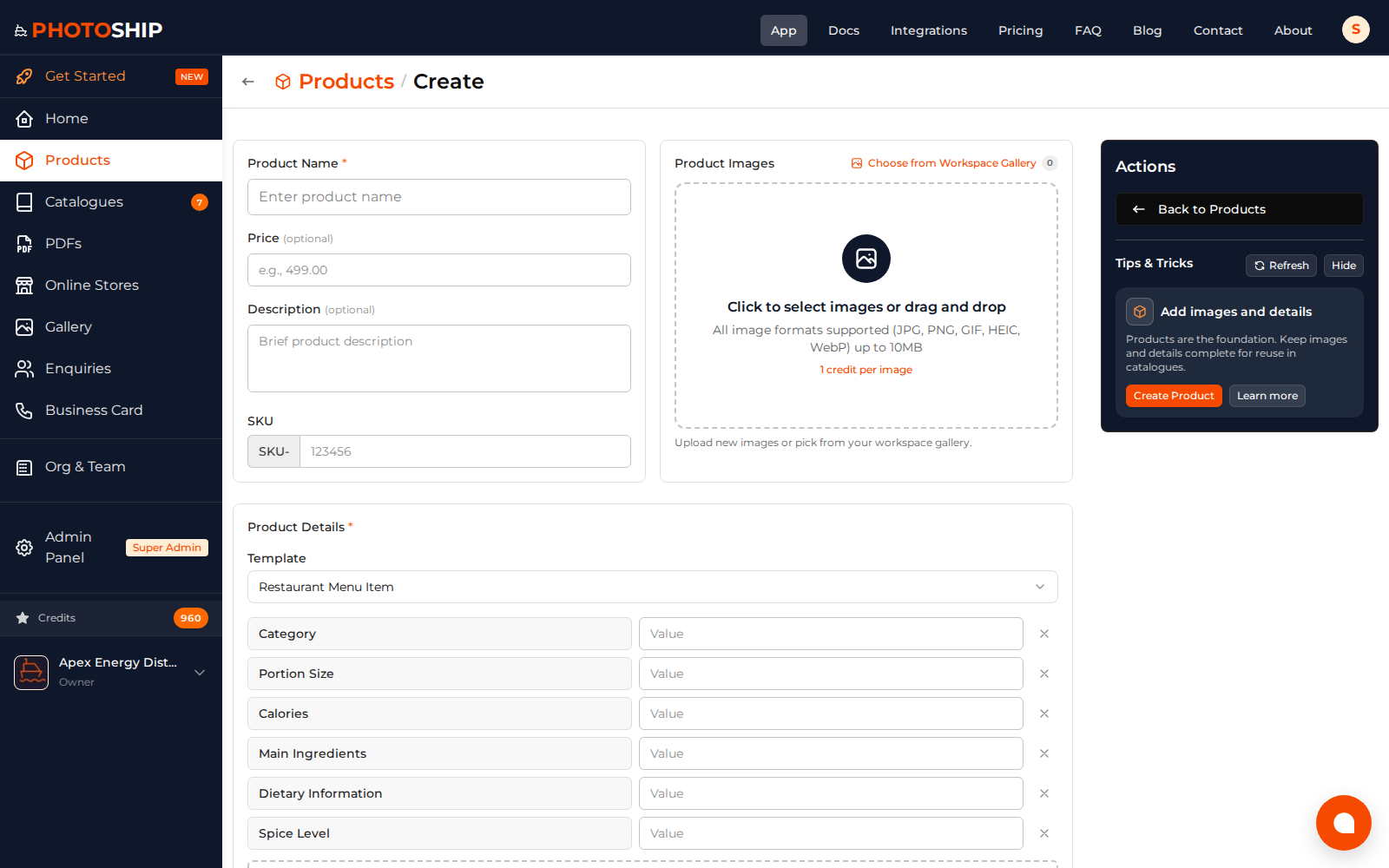
Create Product
Add product details, pricing, variants, images, and custom properties from one form.
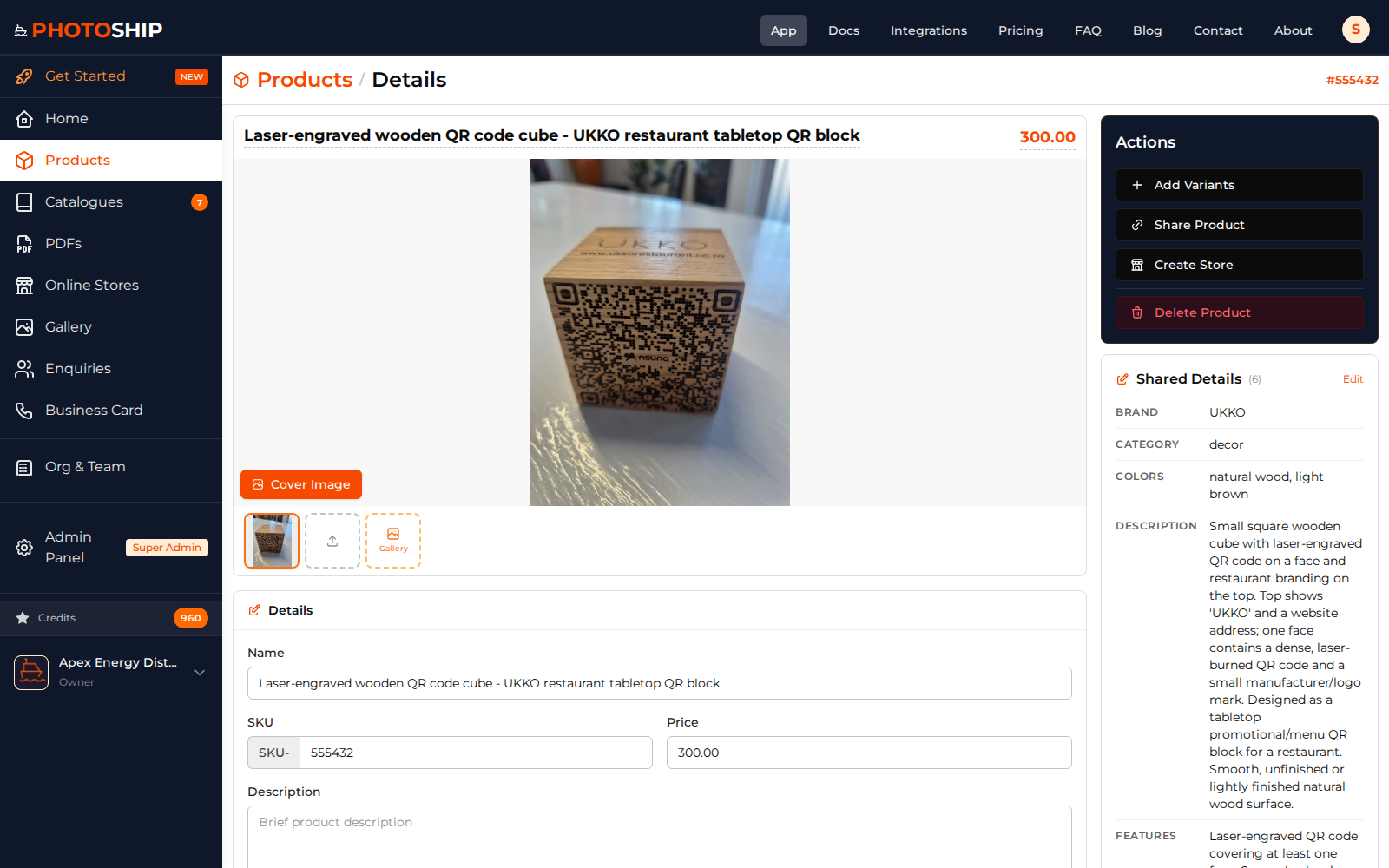
Product Details
Review product data, images, variants, and catalogue usage in one detailed view.
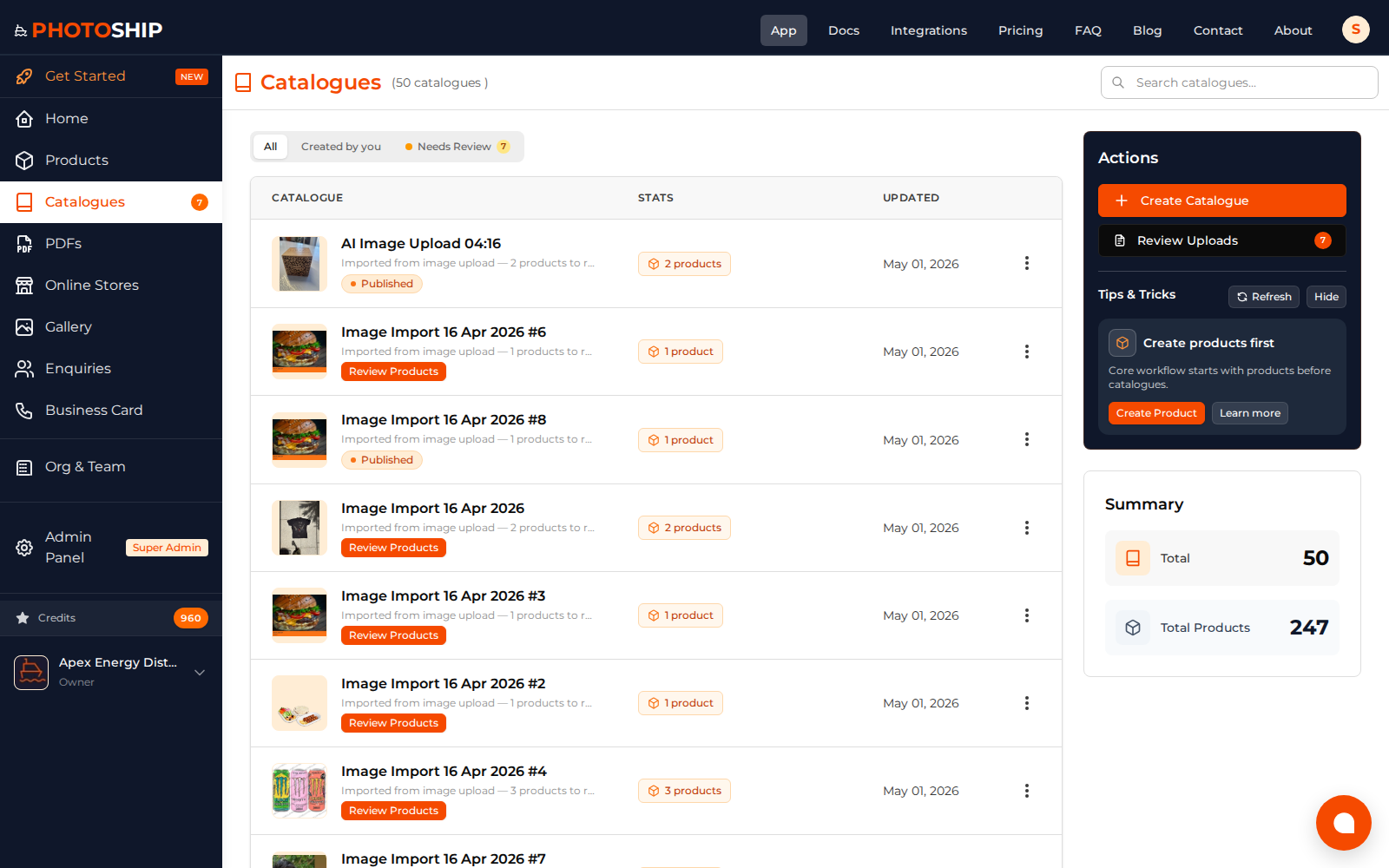
Catalogues Management
Organize products into catalogues and track review, PDF, and sharing workflows.
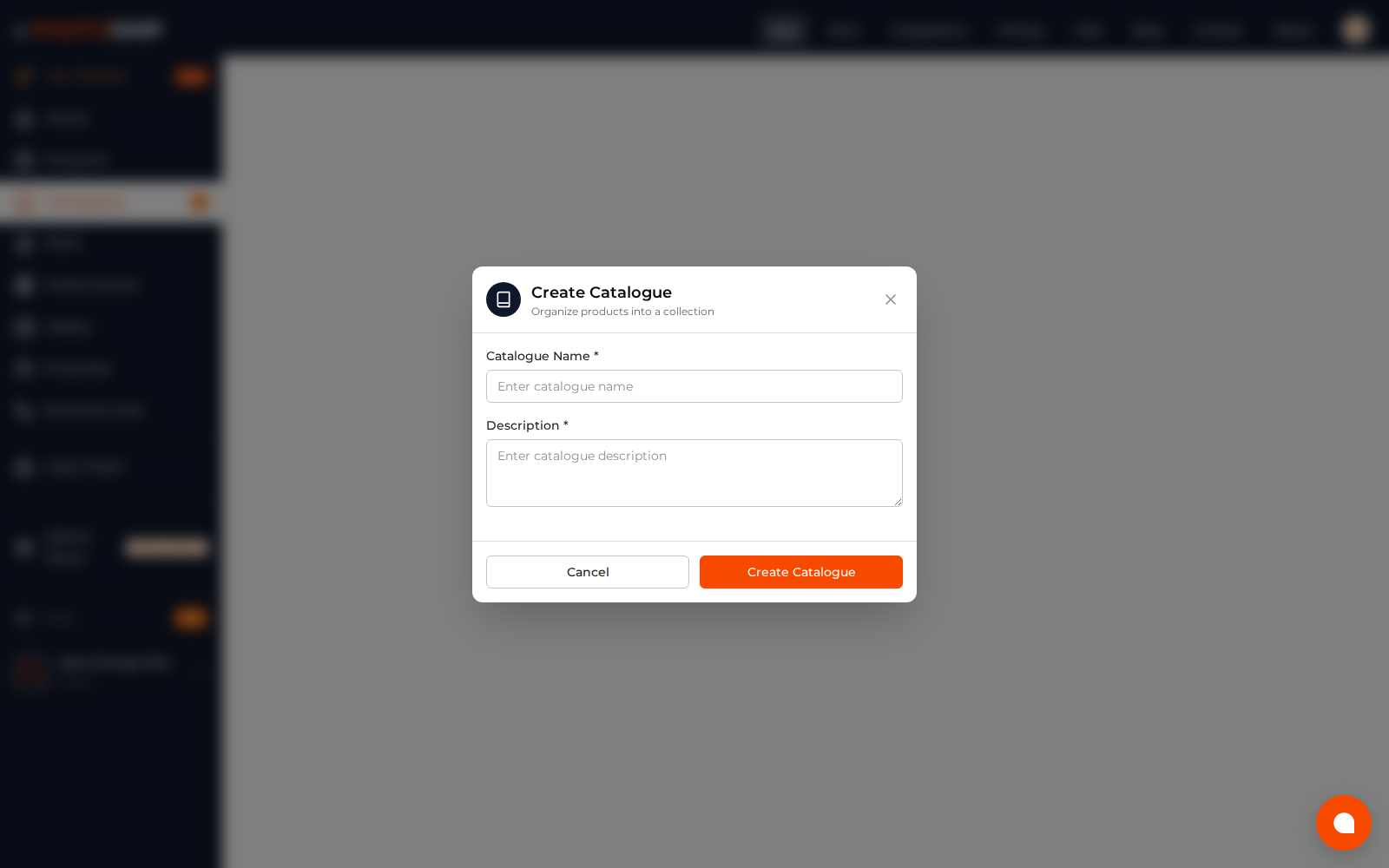
Create Catalogue
Build a catalogue by selecting products and preparing it for PDF or store output.
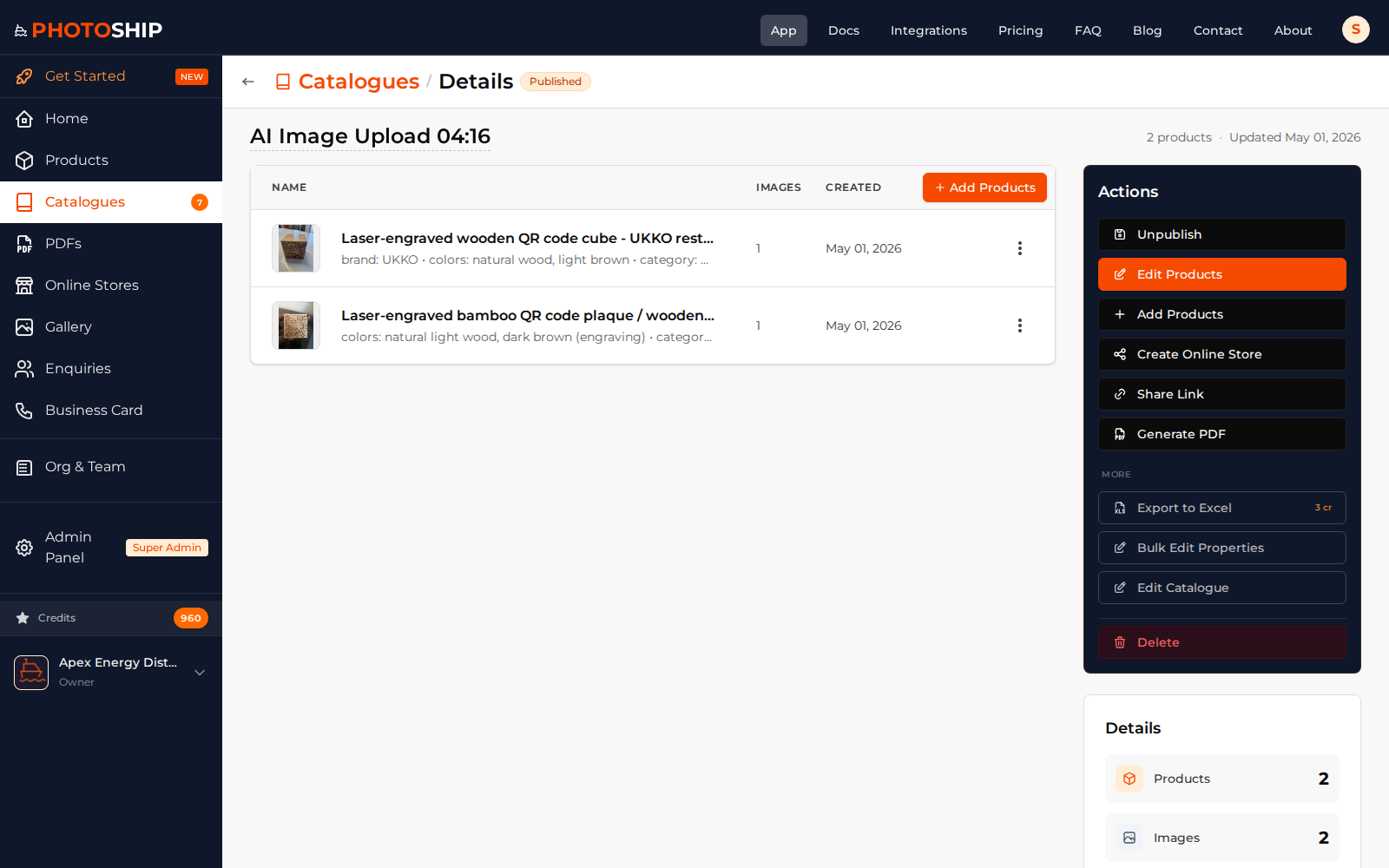
Catalogue Details
View catalogue products, actions, exports, and publishing options.
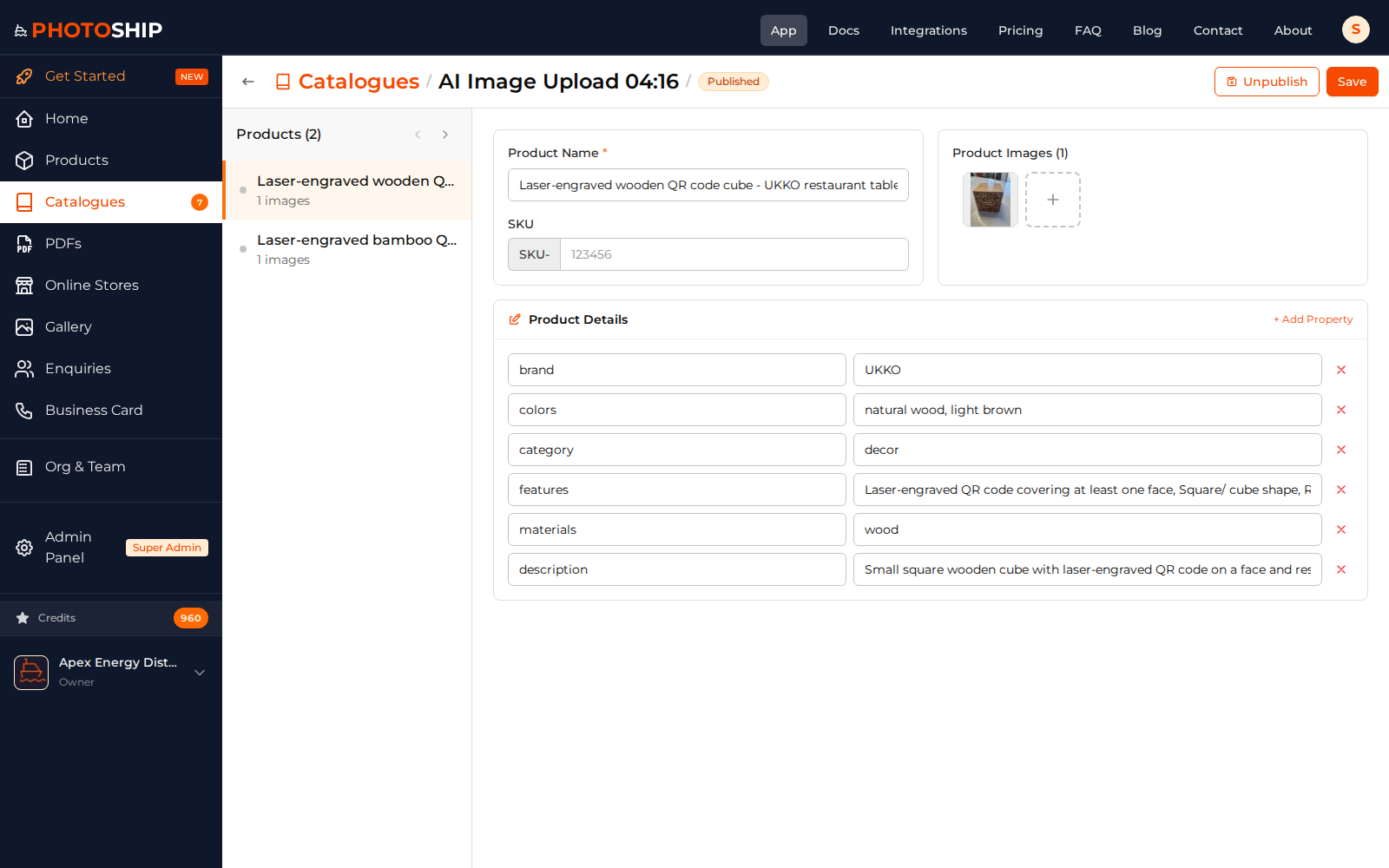
Catalogue Review
Review imported products and clean up AI-generated catalogue data before sharing.
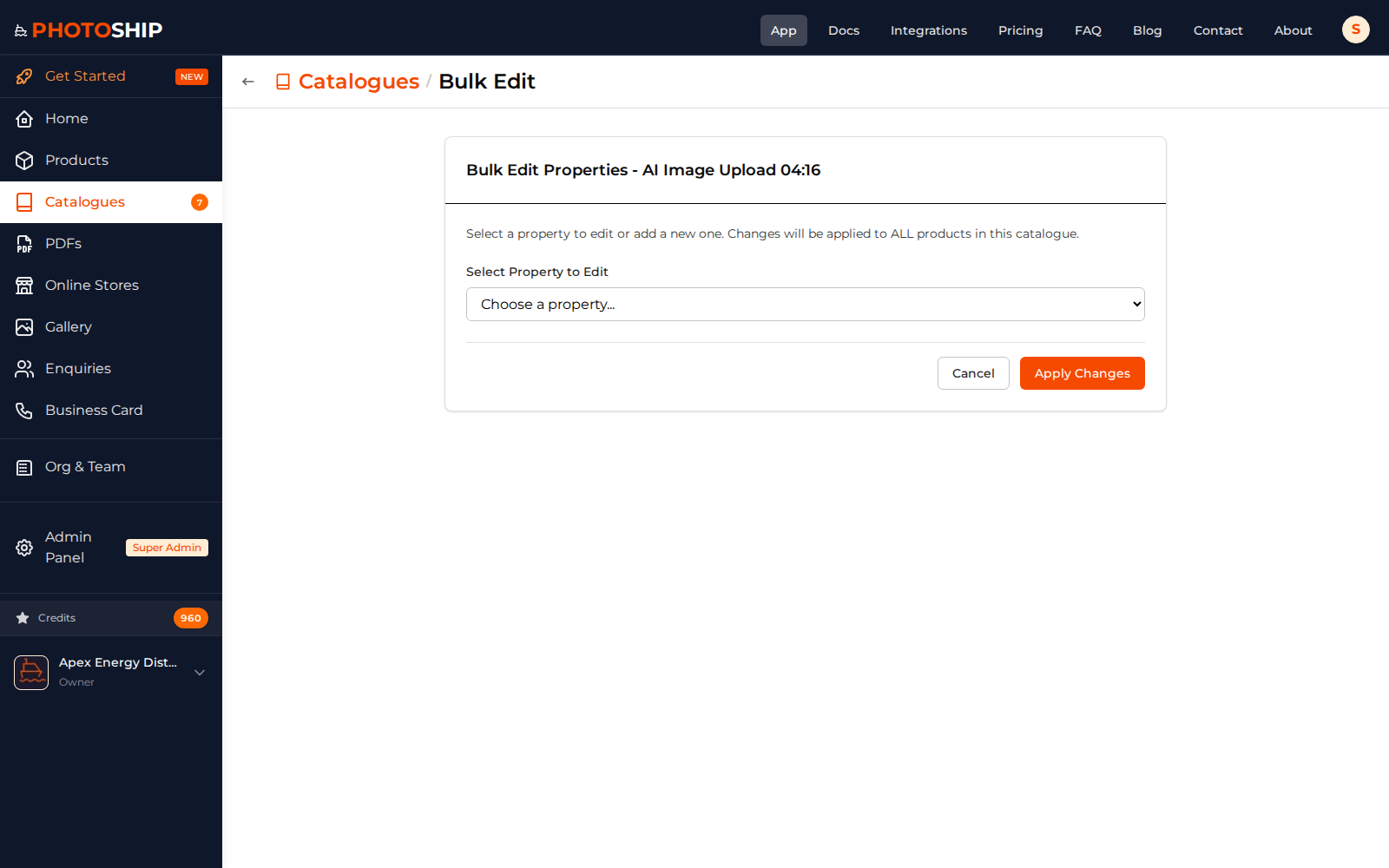
Bulk Edit Properties
Edit catalogue product properties in bulk to standardize product information.
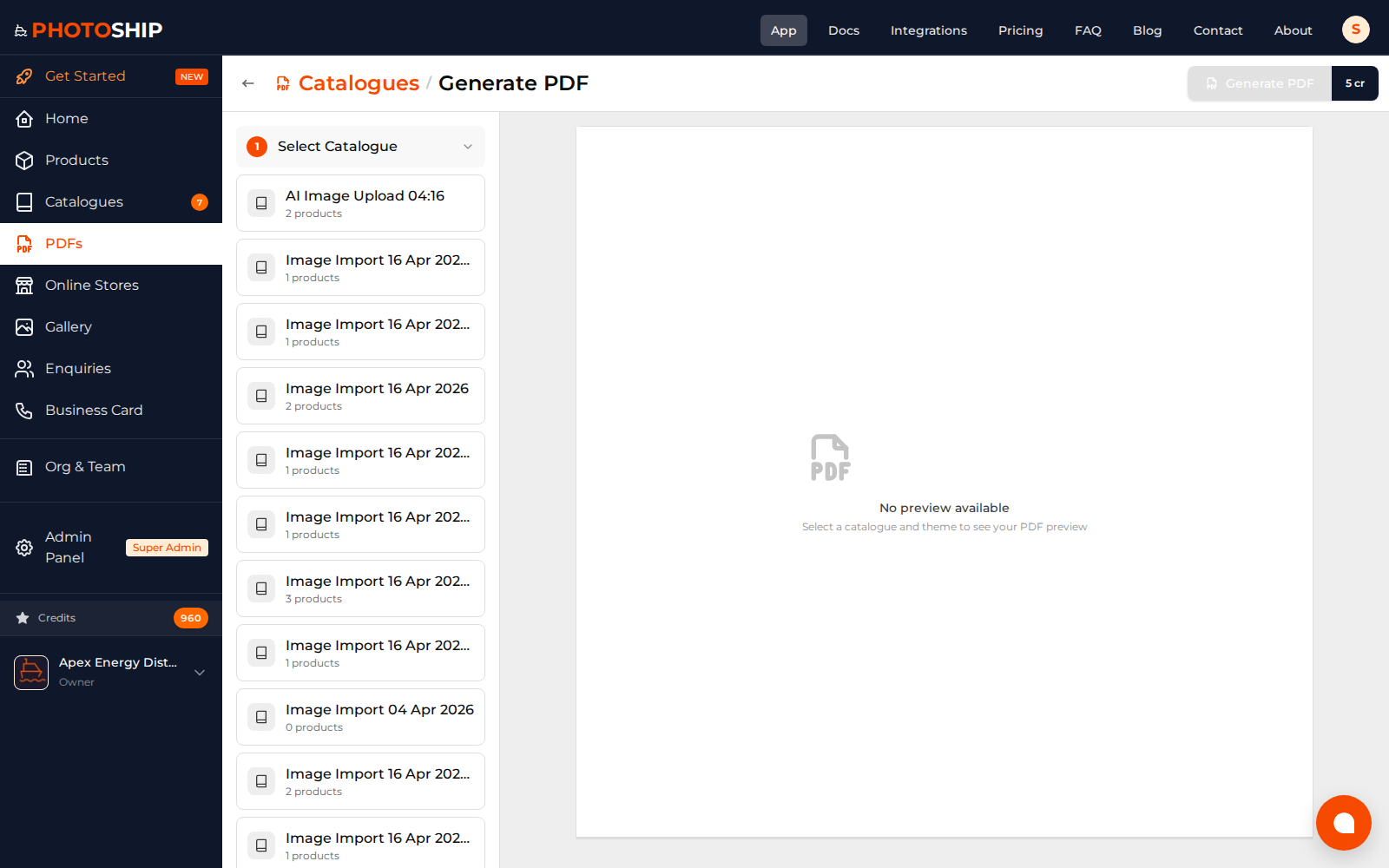
PDF Creation
Choose a catalogue, theme, and layout before generating a professional PDF.
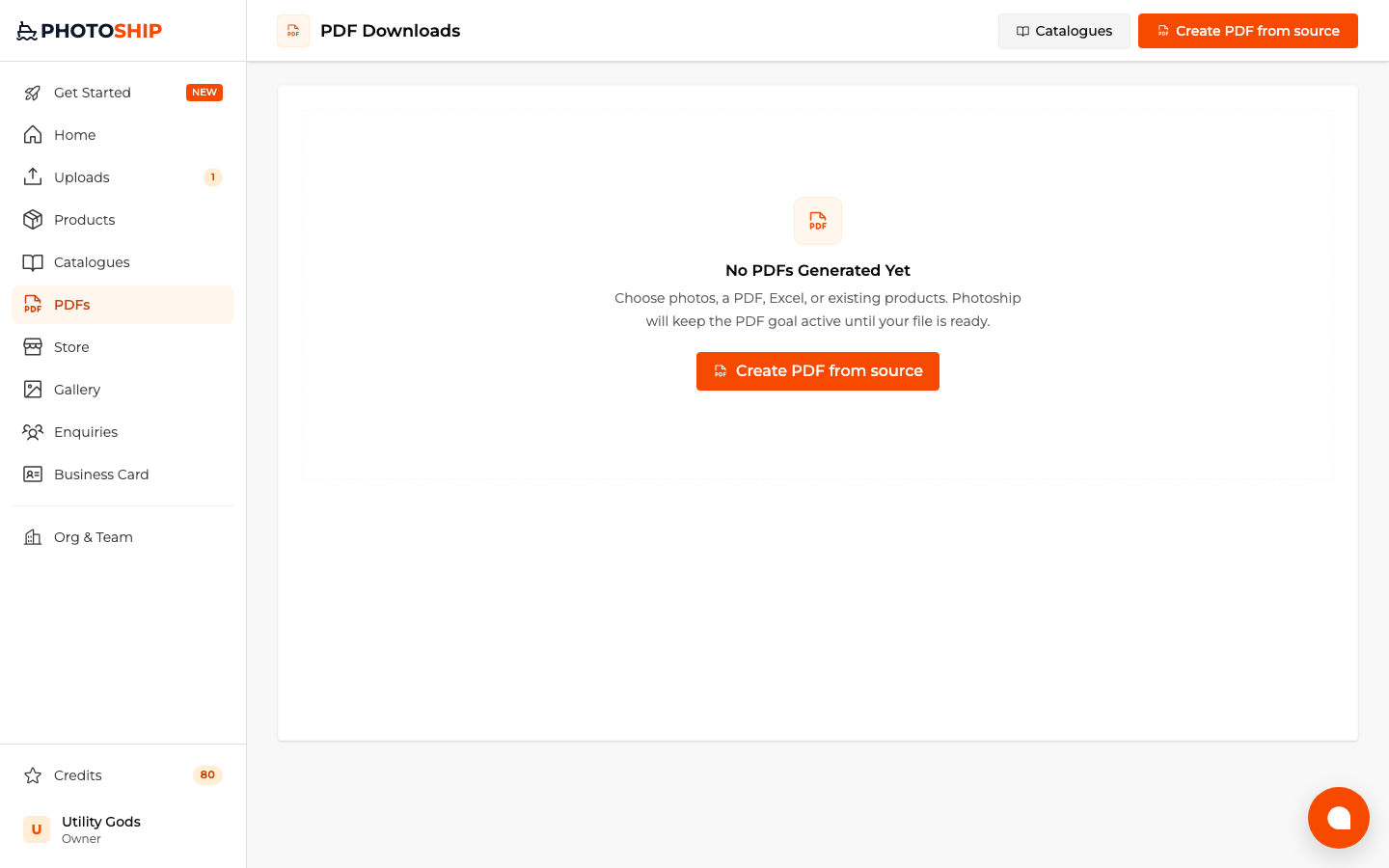
PDF Downloads
Manage generated PDF catalogues and download finished files from one place.
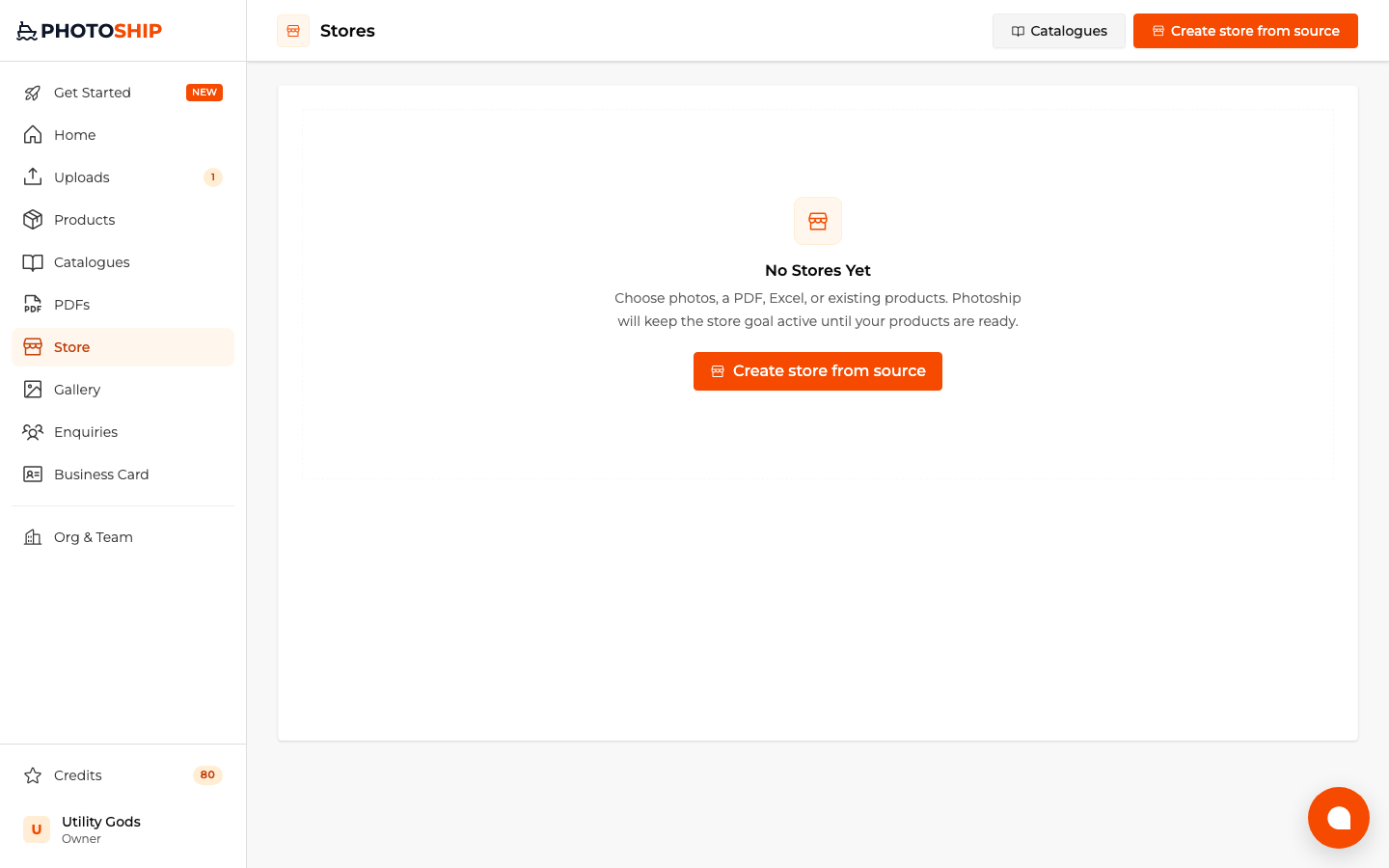
Stores Management
Create, manage, preview, and share live product stores connected to your catalogues.
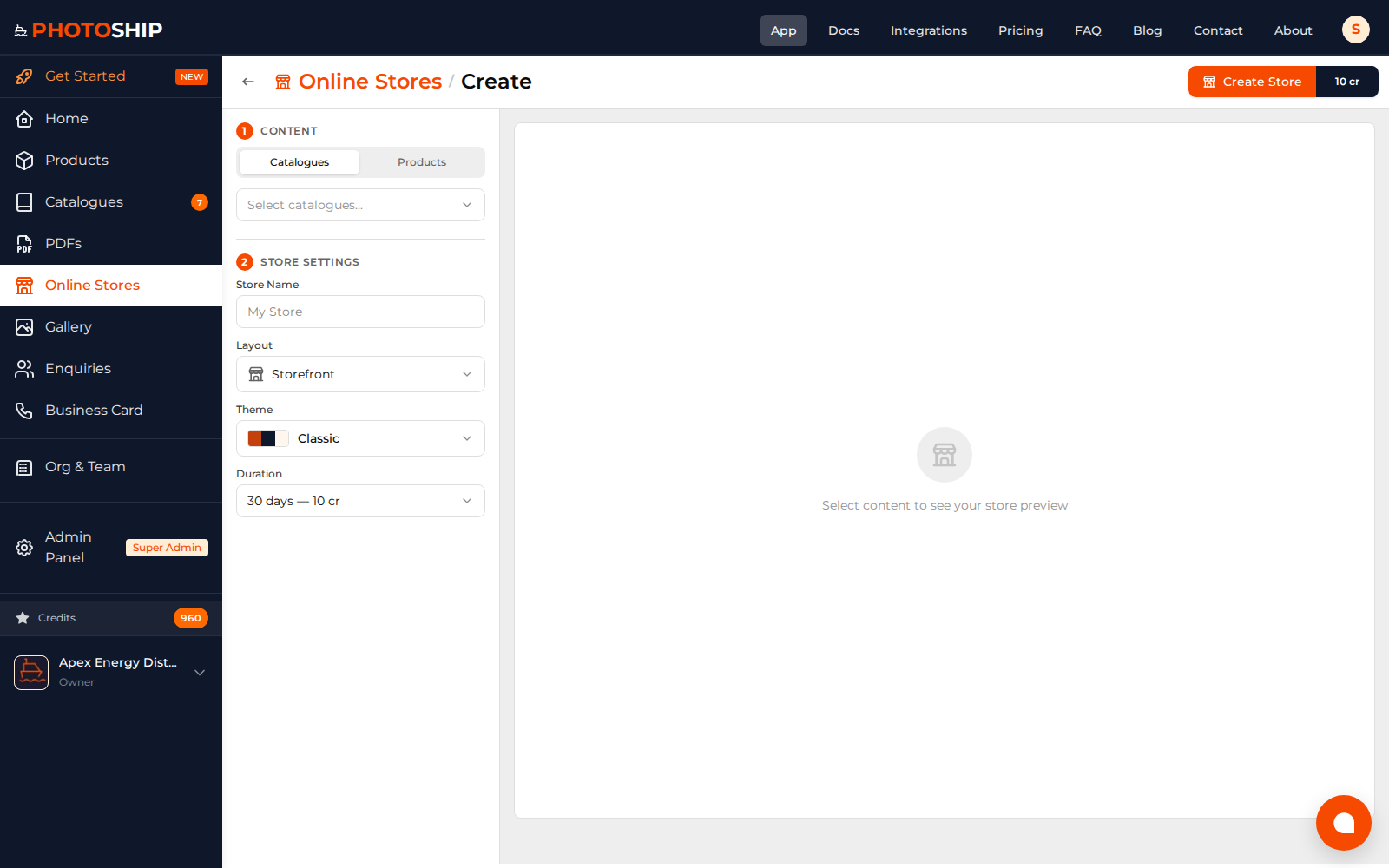
Create Store
Select catalogues, choose store settings, and publish a shareable online catalogue link.
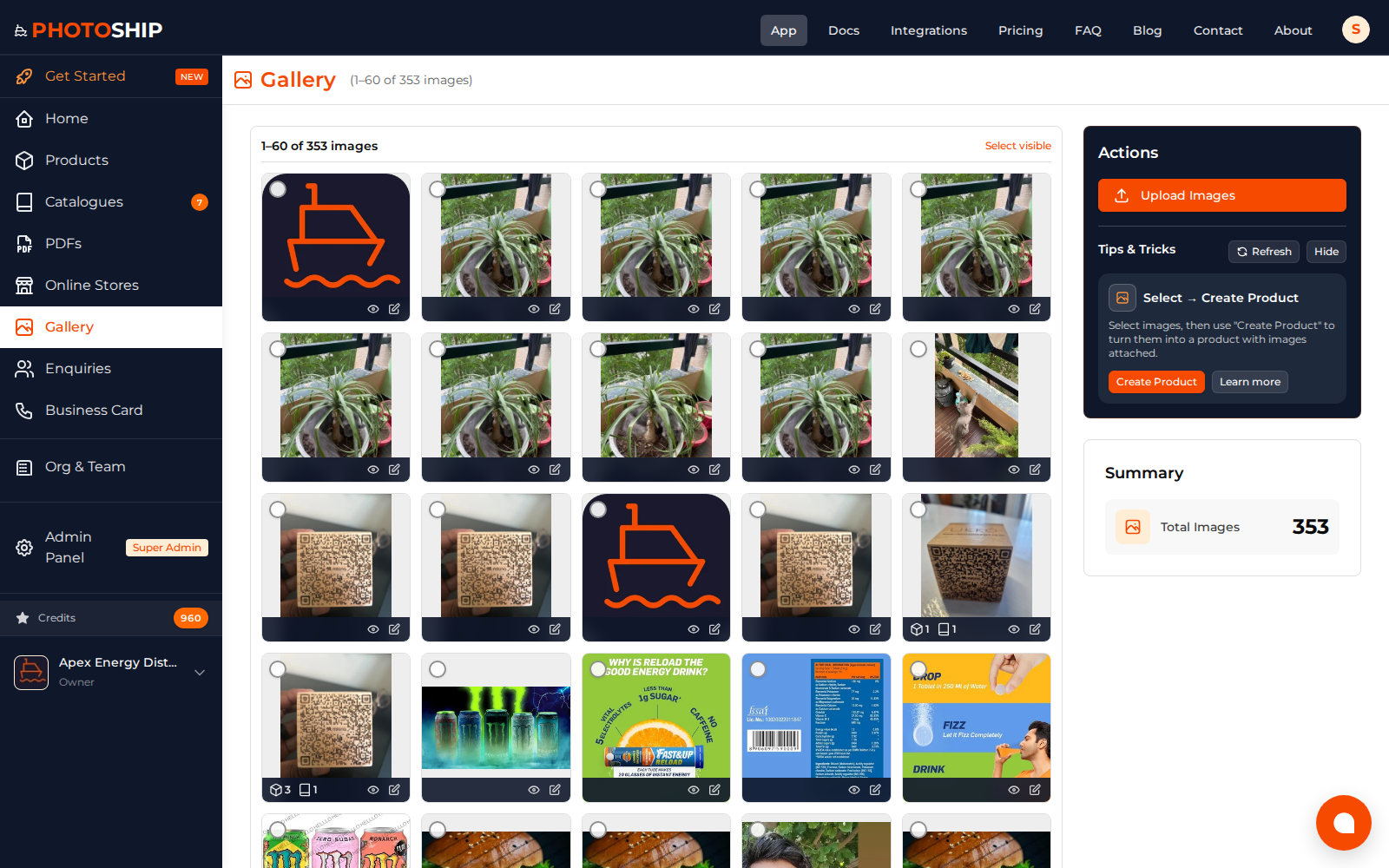
Workspace Gallery
Keep uploaded product images organized for reuse across products, variants, and catalogues.
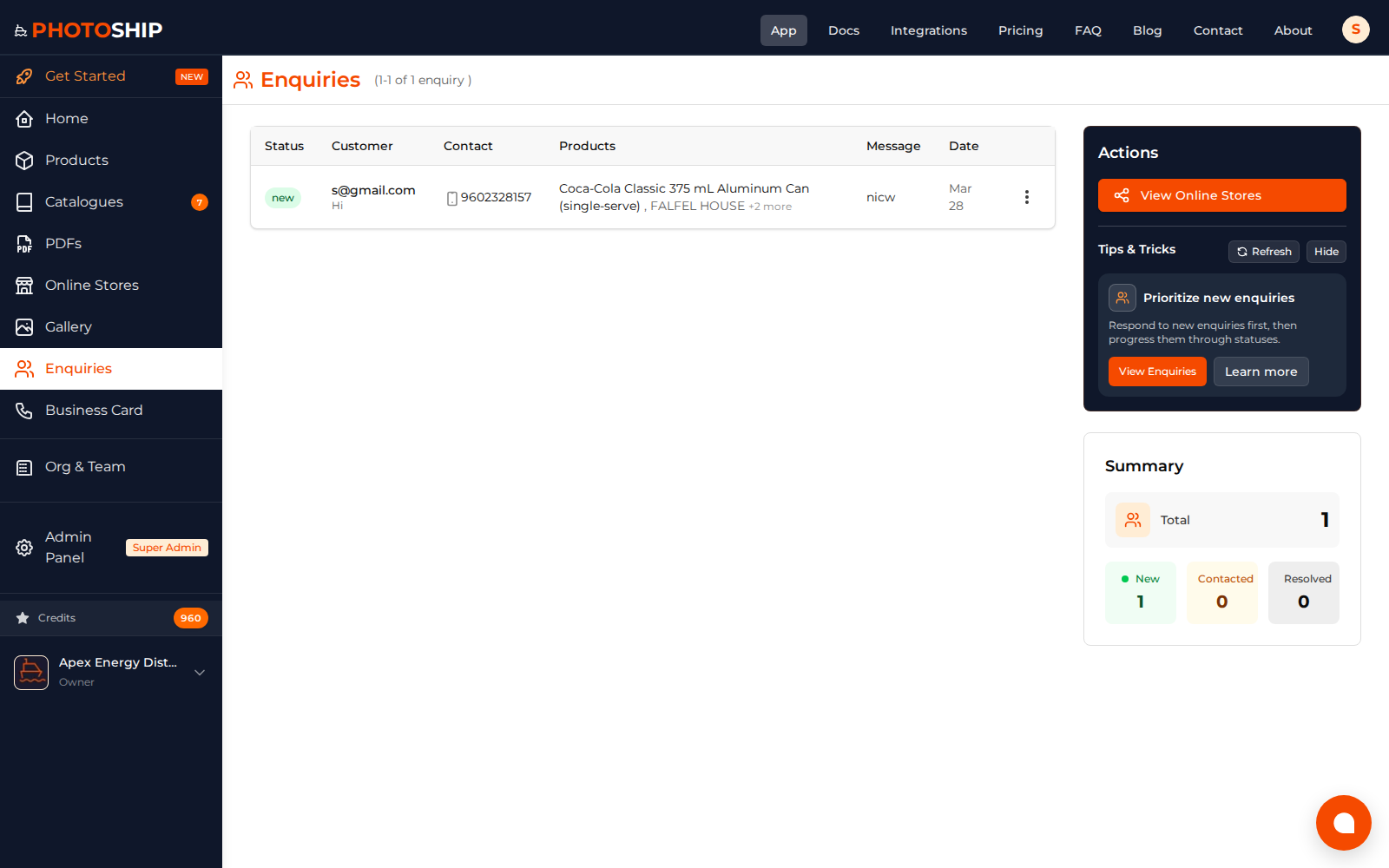
Enquiries Management
Track customer enquiries generated from stores and shared catalogue links.
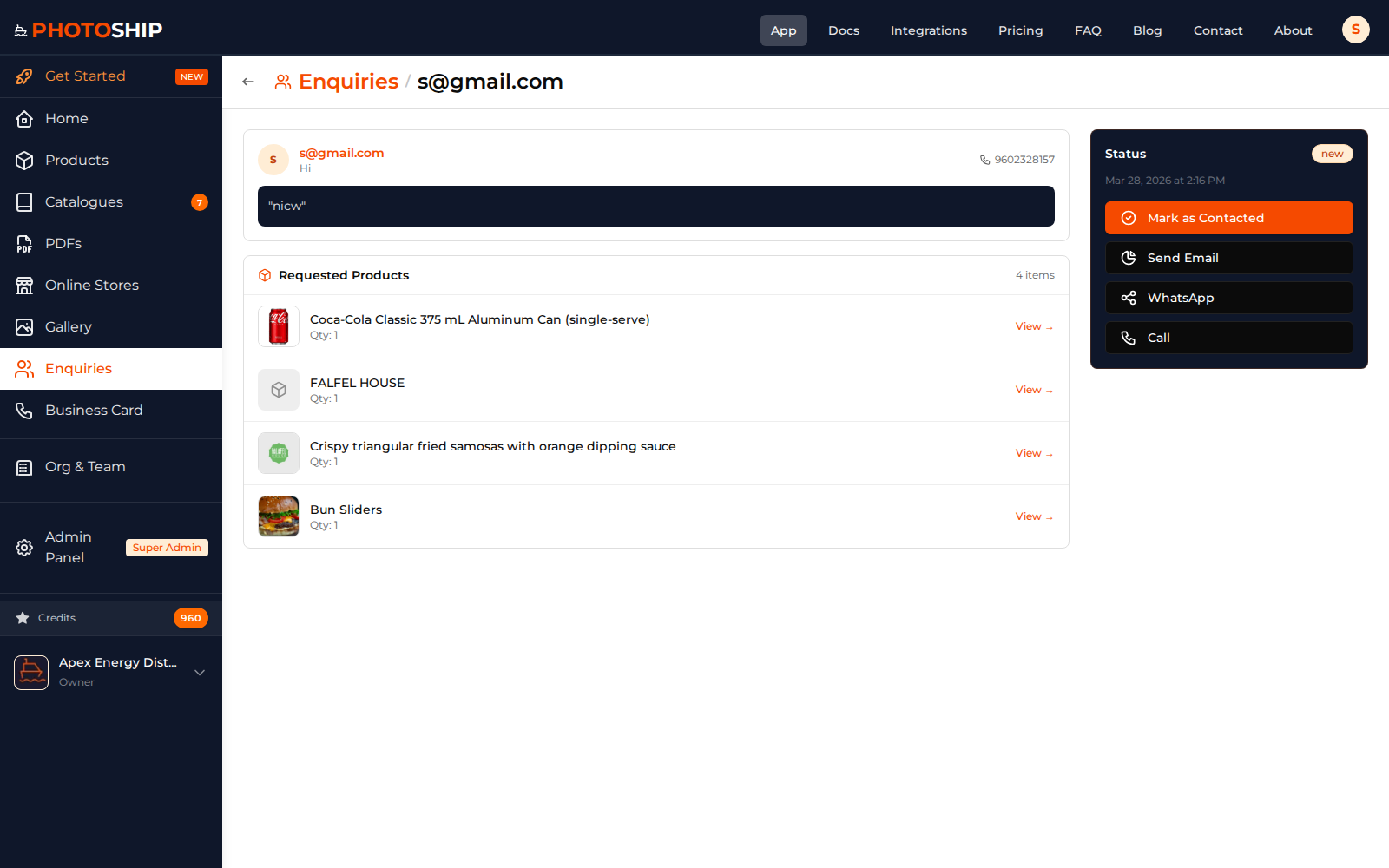
Enquiry Details
Open a customer enquiry to inspect products, contact details, and follow-up context.
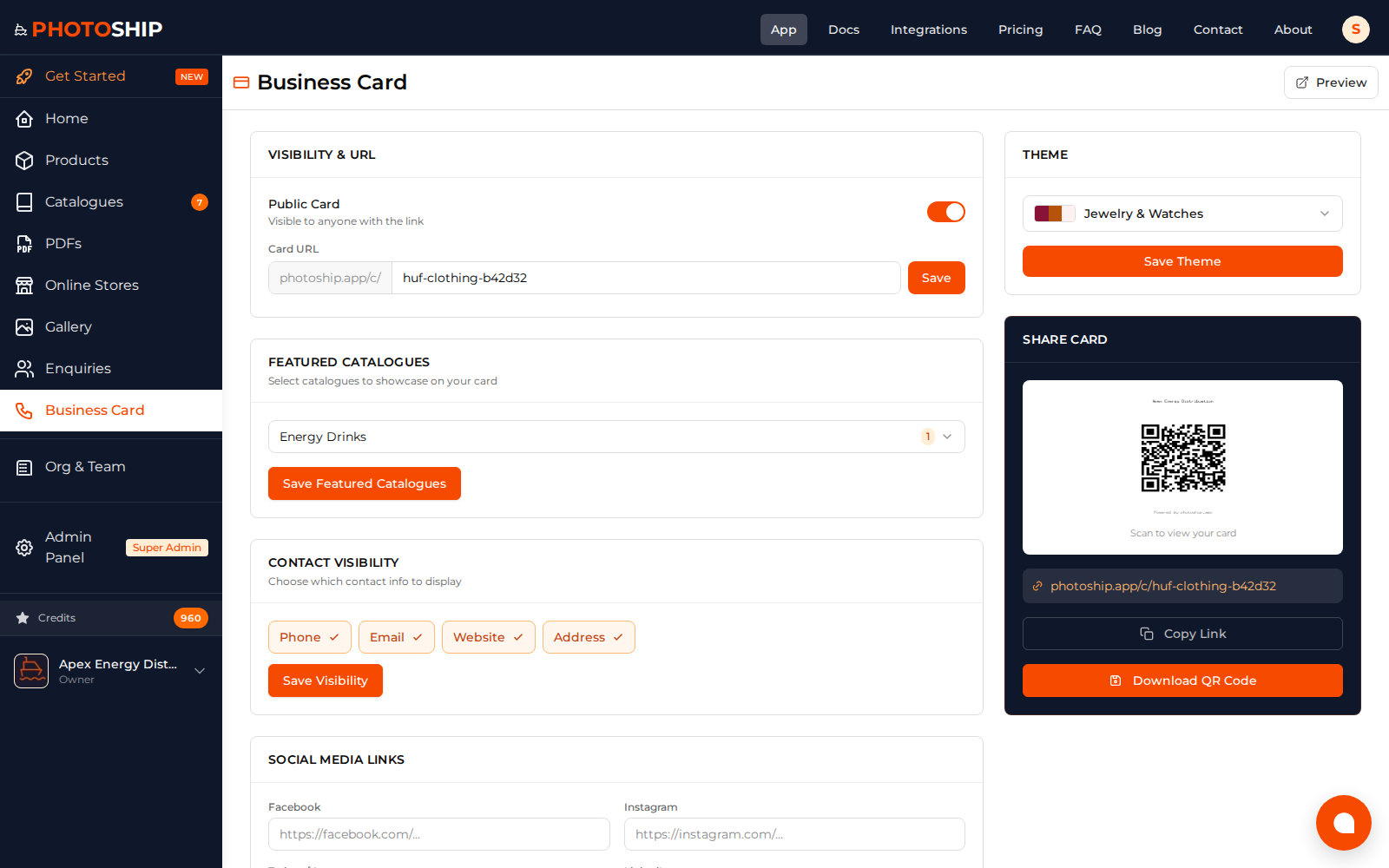
Business Card Settings
Customize a shareable business card with contact details, socials, and featured catalogues.
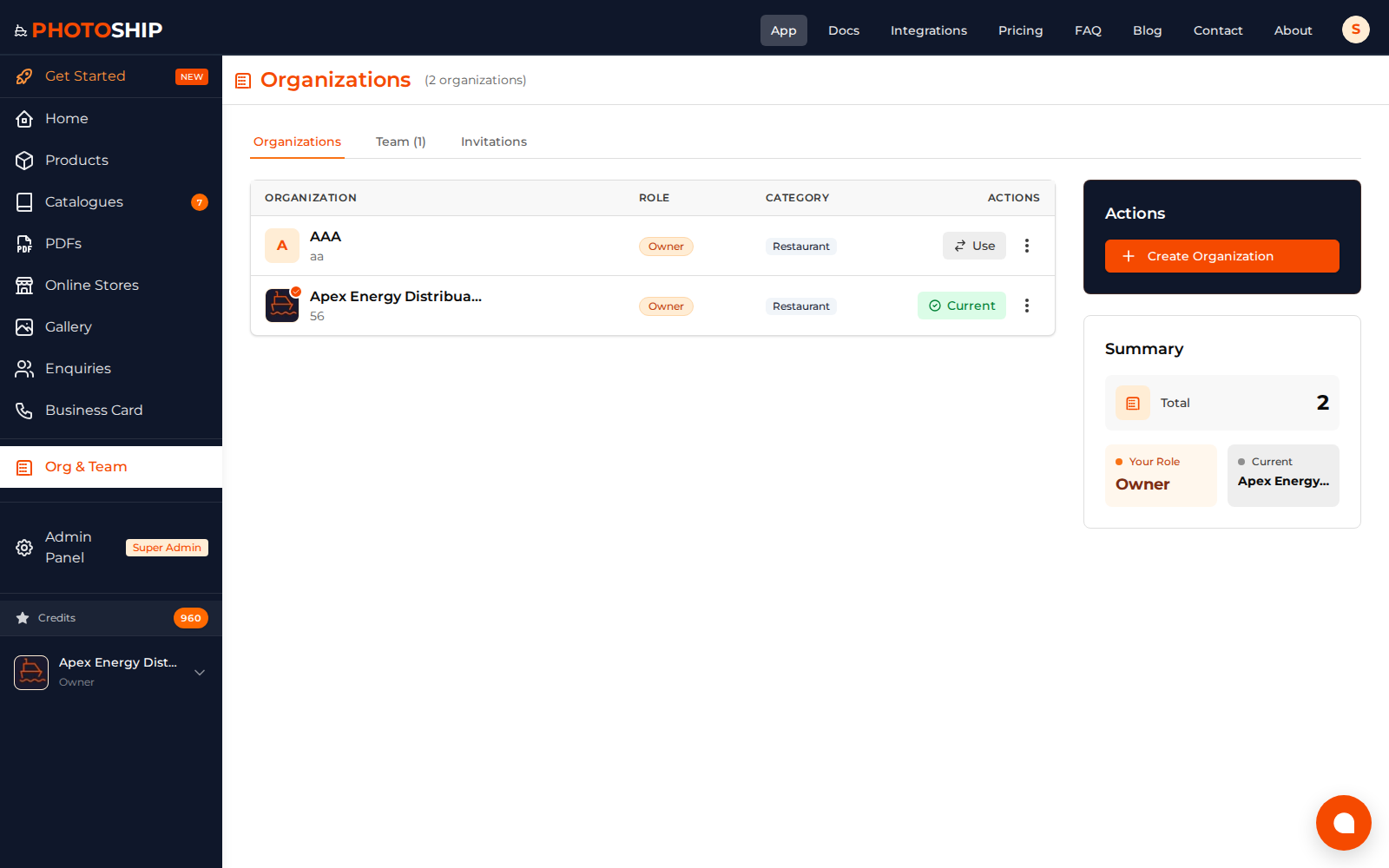
Organizations & Team
Manage organizations, members, and collaboration settings for catalogue operations.
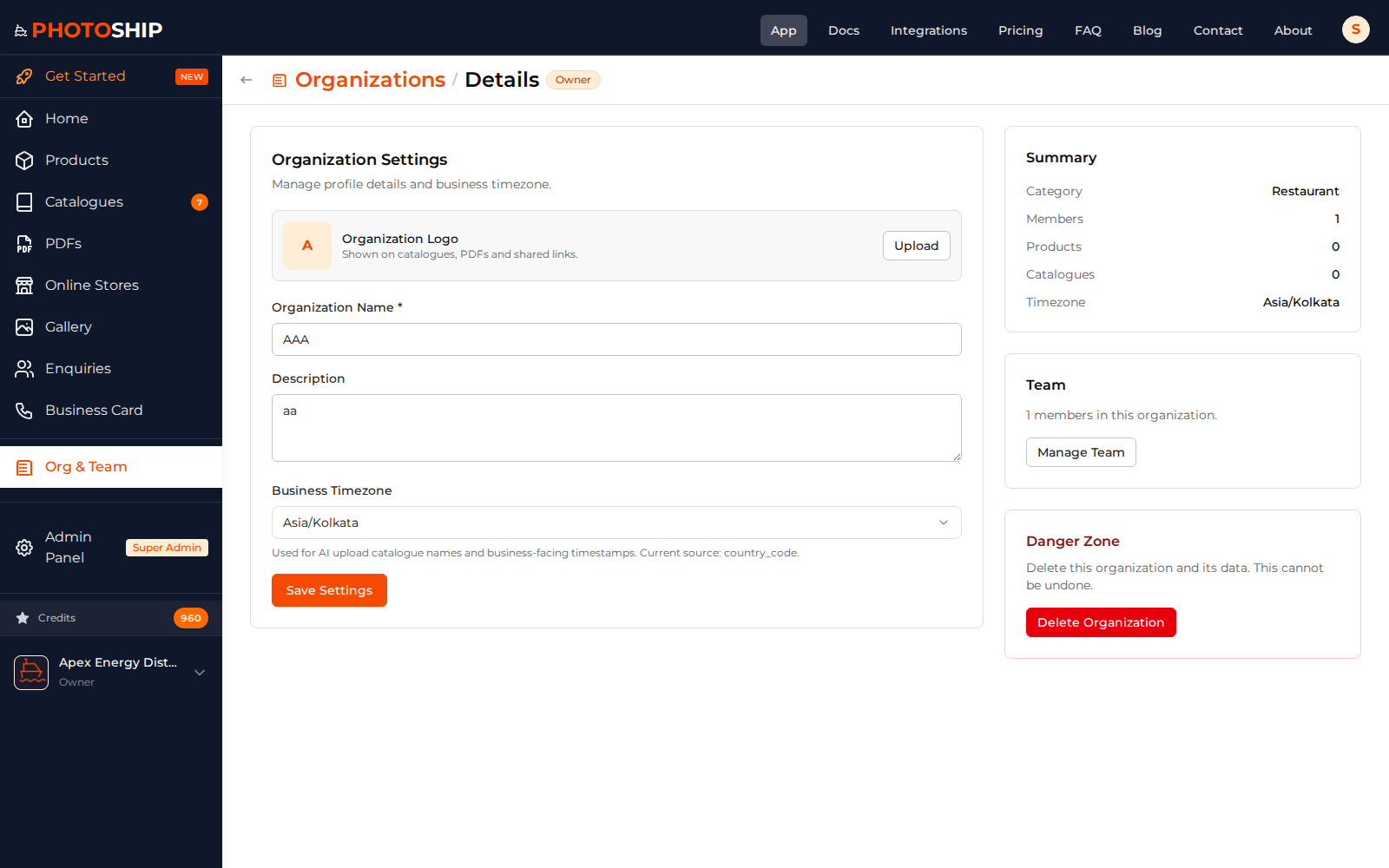
Organization Details
Inspect organization settings and members for a selected workspace.
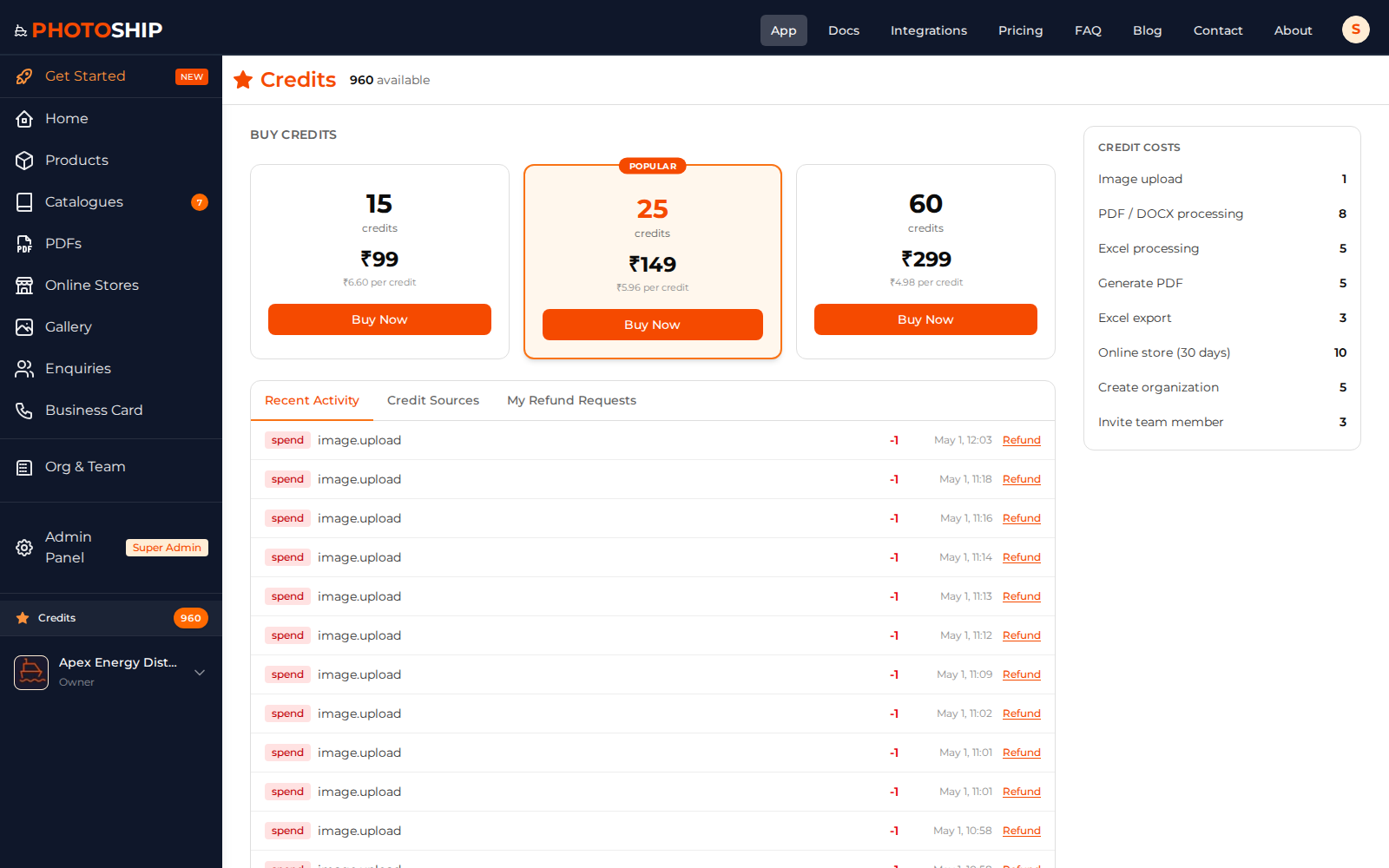
Credits Usage
See credit balance, usage, and point history for paid actions.
Ready to Create Your Catalogues?
Join hundreds of businesses using Photoship to create professional catalogues
Get Started Free