How to Create a PDF from Selected Products
Choose the PDF goal, select products from your library, and let Photoship prepare the catalogue grouping before you customize the PDF.
Turn products into a PDF catalogue
Follow the complete product-library-to-PDF workflow on Photoship.
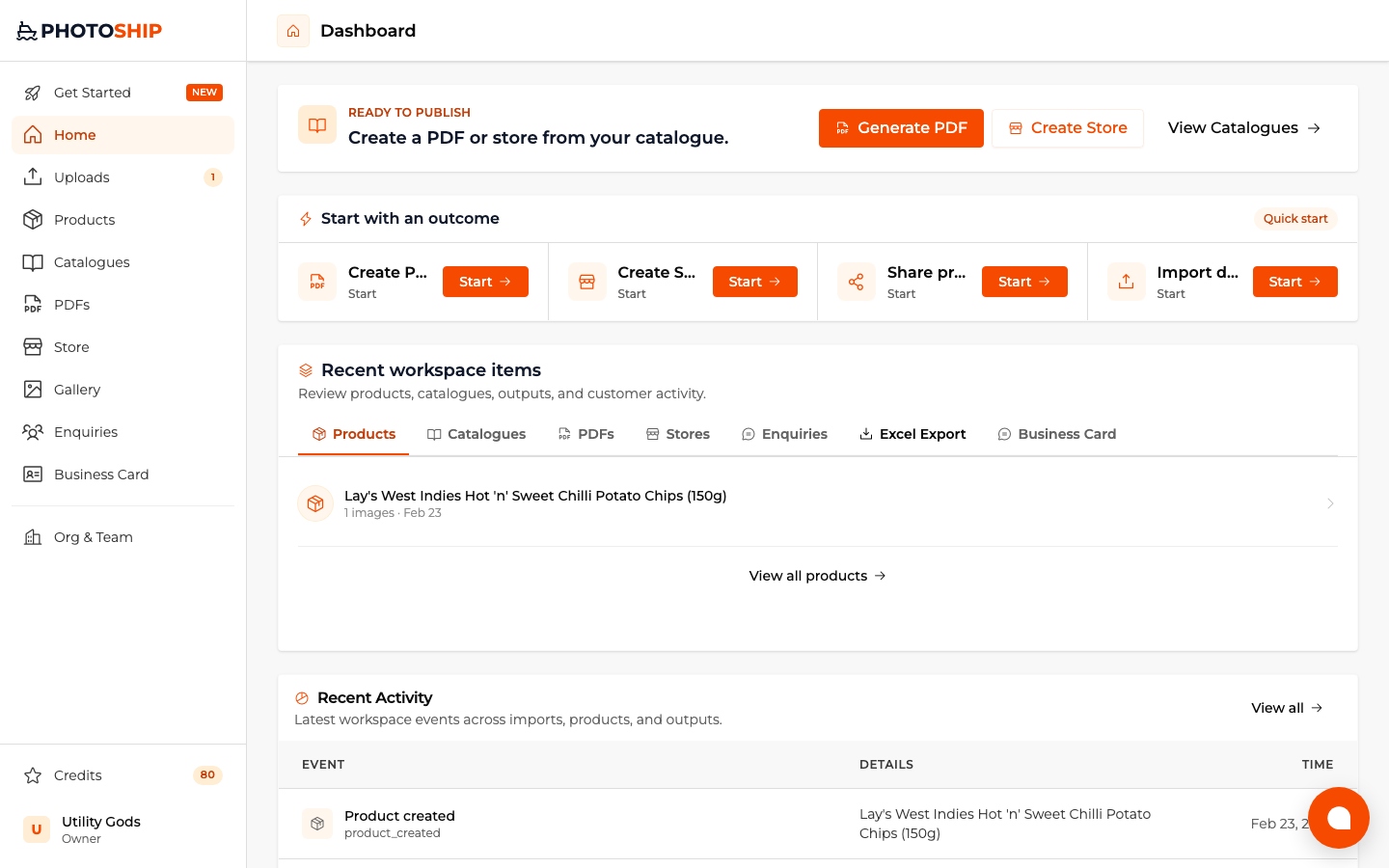
Open on YouTubeChoose Create PDF
Start with the PDF goal, then choose products in Photoship as your source.
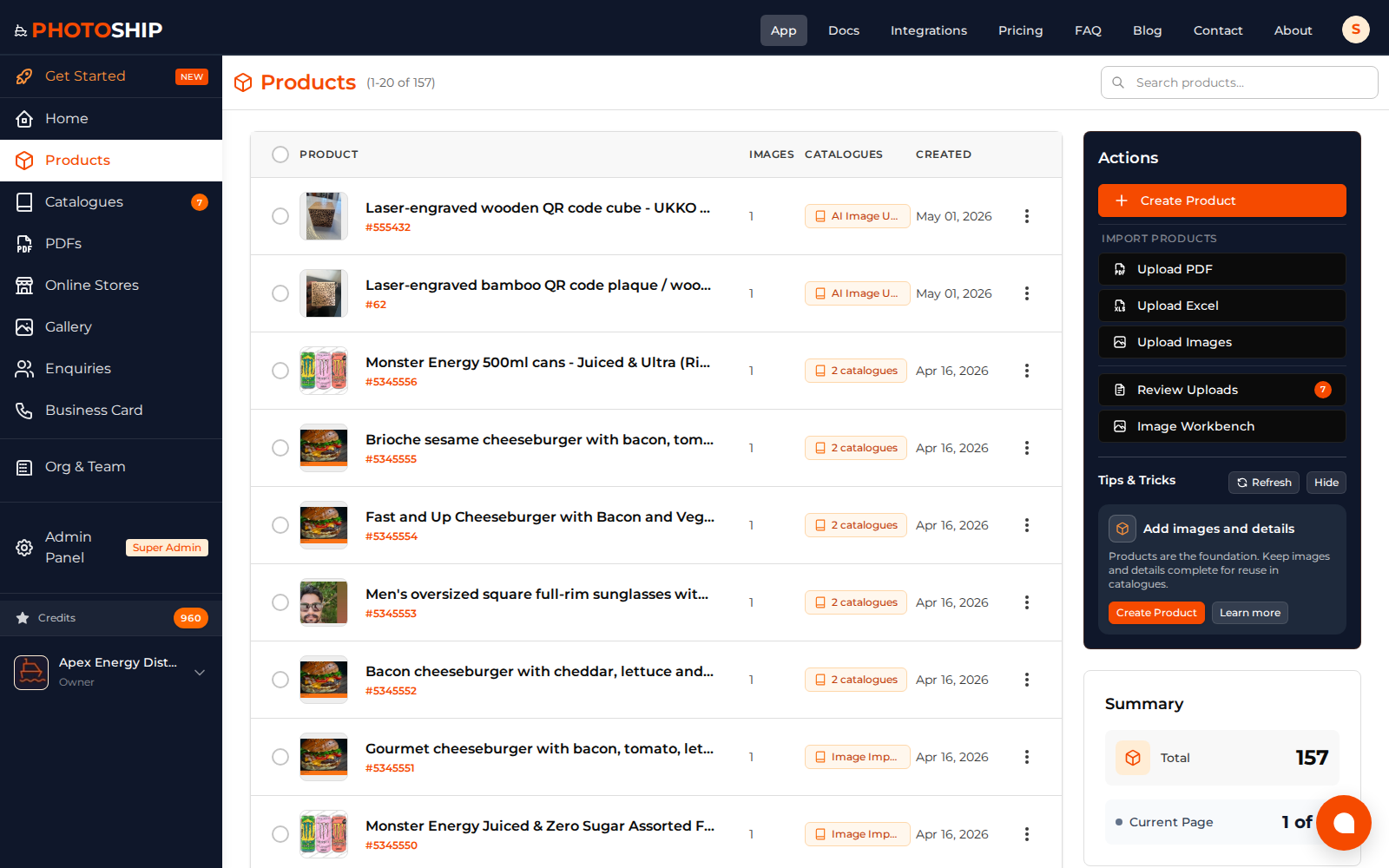
Select the products
Pick the products to include. Photoship creates the required catalogue grouping for your selection.
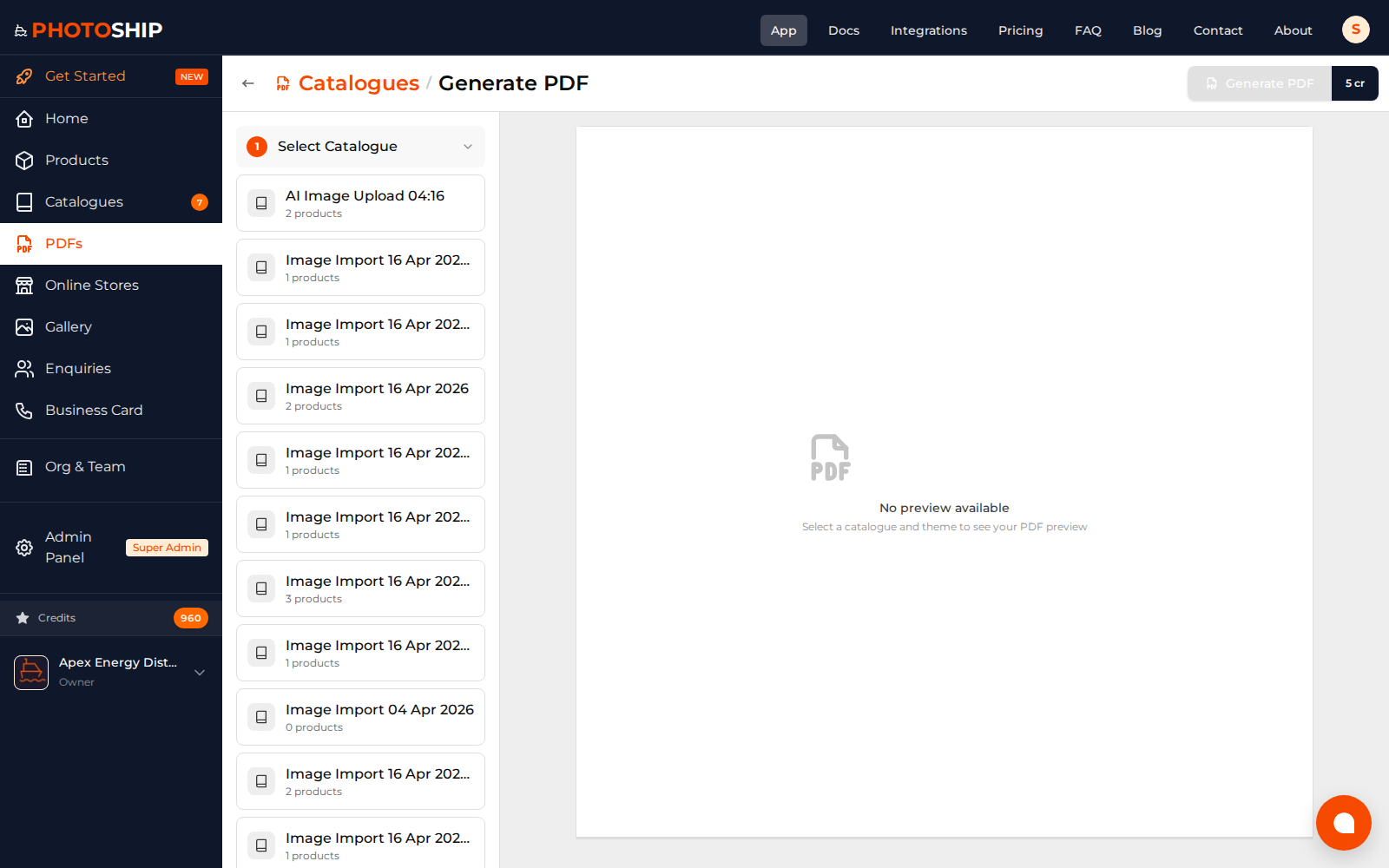
Customize and download
Continue to the PDF builder, choose a layout, preview the result, and download the finished catalogue.
PHOTOSHIP
Create professional digital catalogues for your business. AI-powered, mobile-optimized, secure.
Powered by OrangeGas and Utility-Gods
Solutions
© 2025 Photoship. All rights reserved.