


How to Export a Product Catalogue as a PDF
Take an existing Photoship catalogue and turn it into a polished PDF for downloading, printing, email, or WhatsApp. The catalogue remains the product source while the generated PDF is a frozen output.
Watch the workflow
Open on YouTubeStep-by-step
- 1
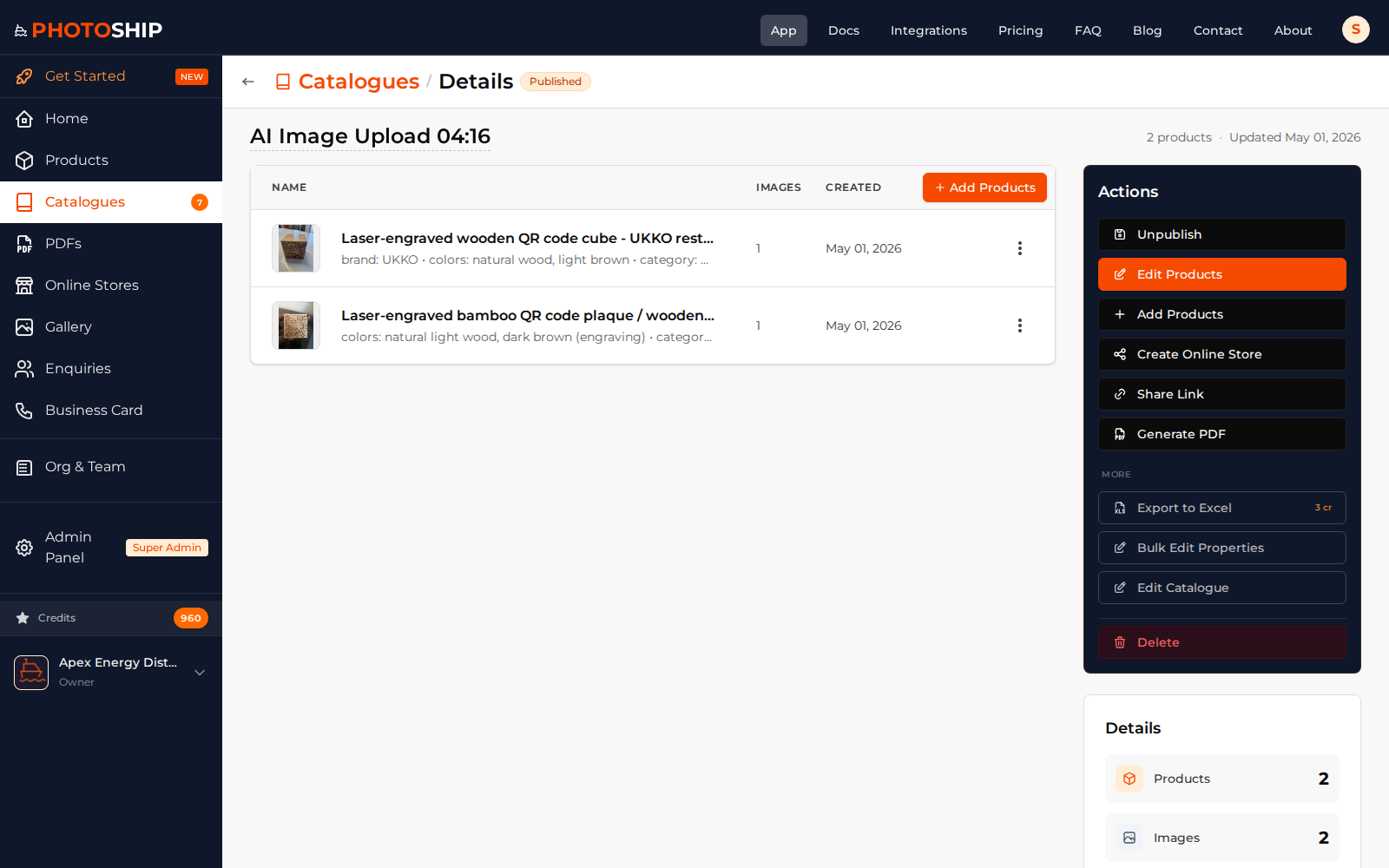
Open the catalogue
Review the catalogue products and ordering before starting the PDF action.
- 2
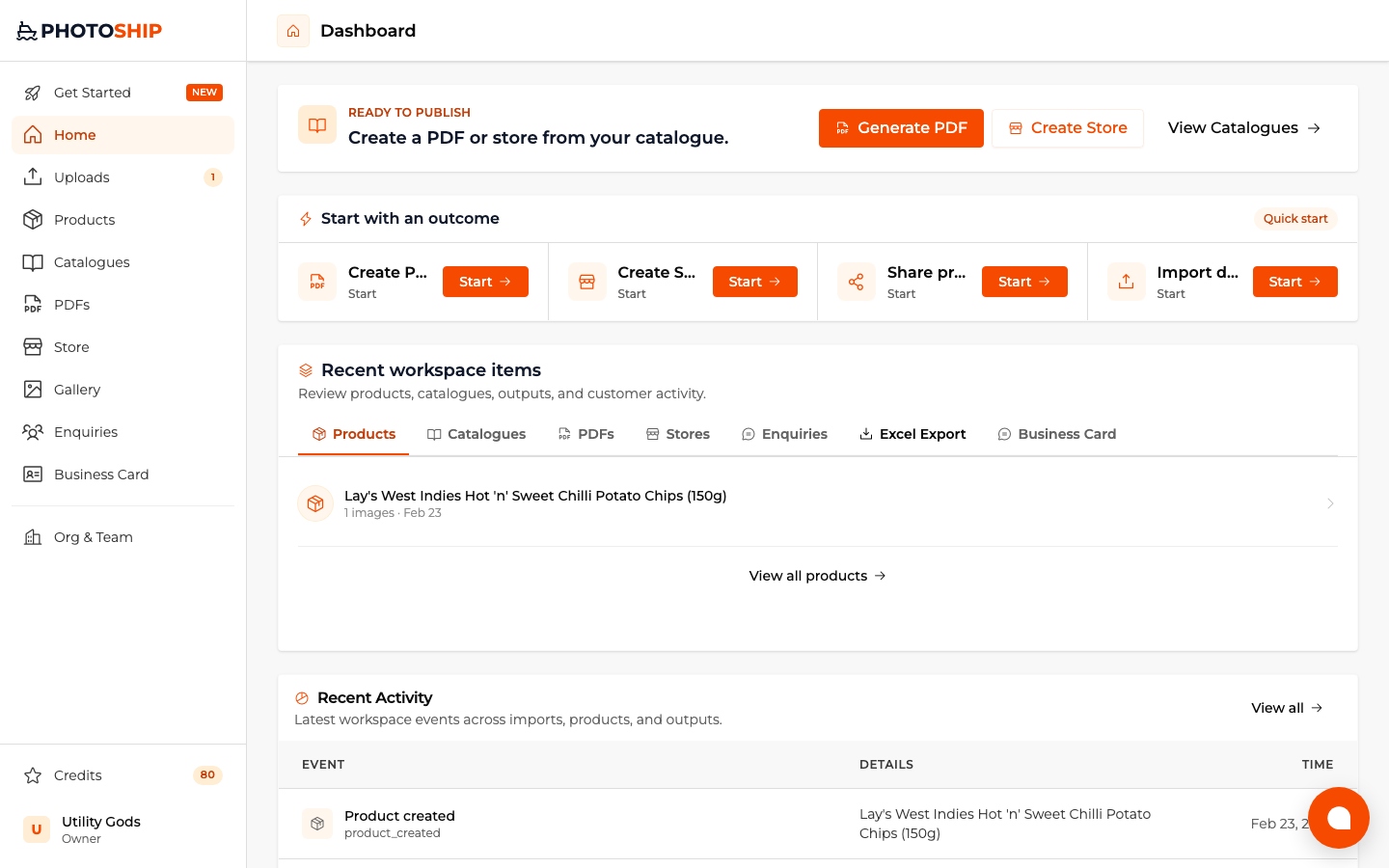
Choose Create PDF
Start the PDF workflow with the existing catalogue as the source so no product re-selection or re-upload is needed.
- 3
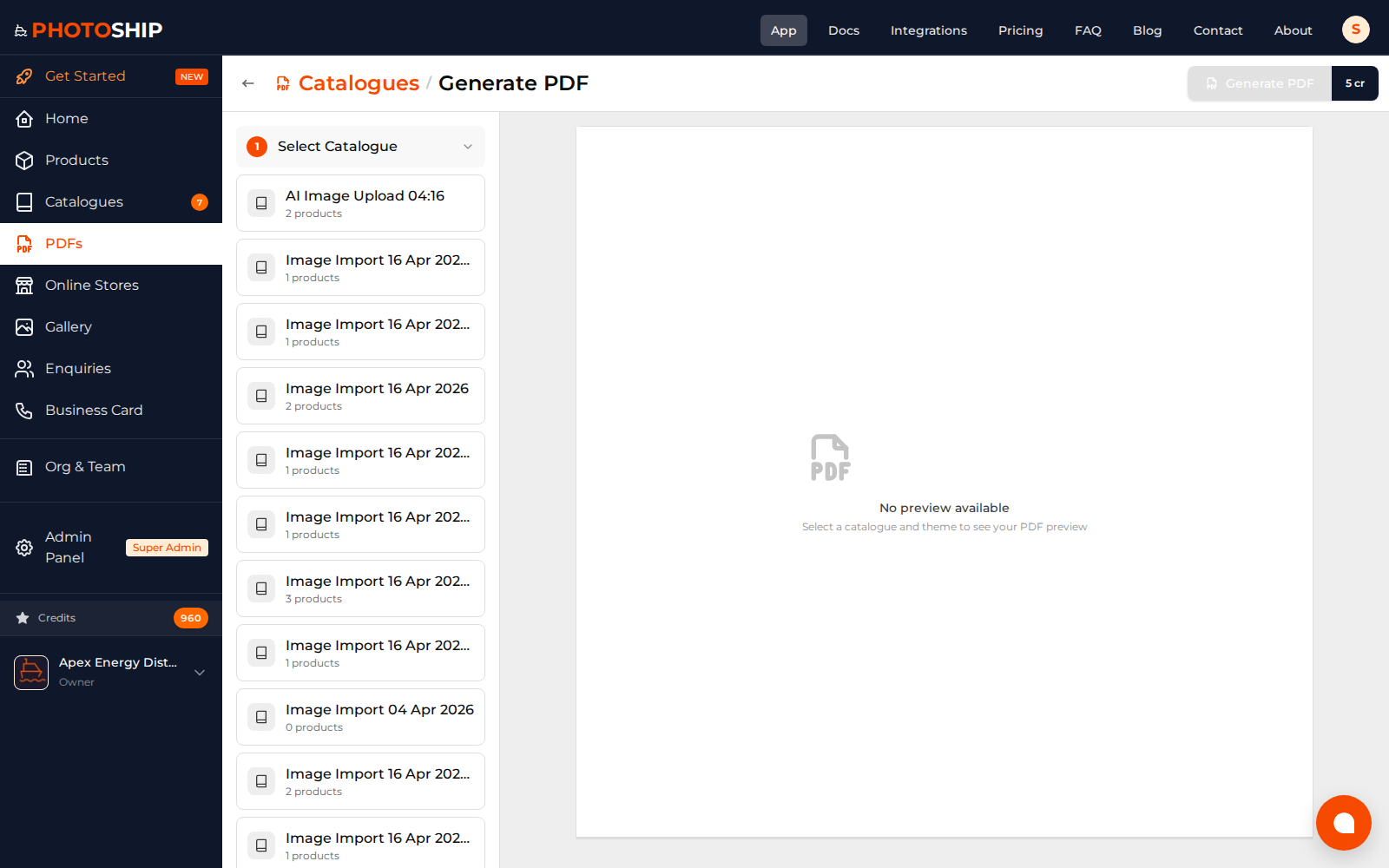
Customize the PDF
Choose the layout, theme, cover, visible fields, business details, and any optional link back to an online catalogue.
- 4
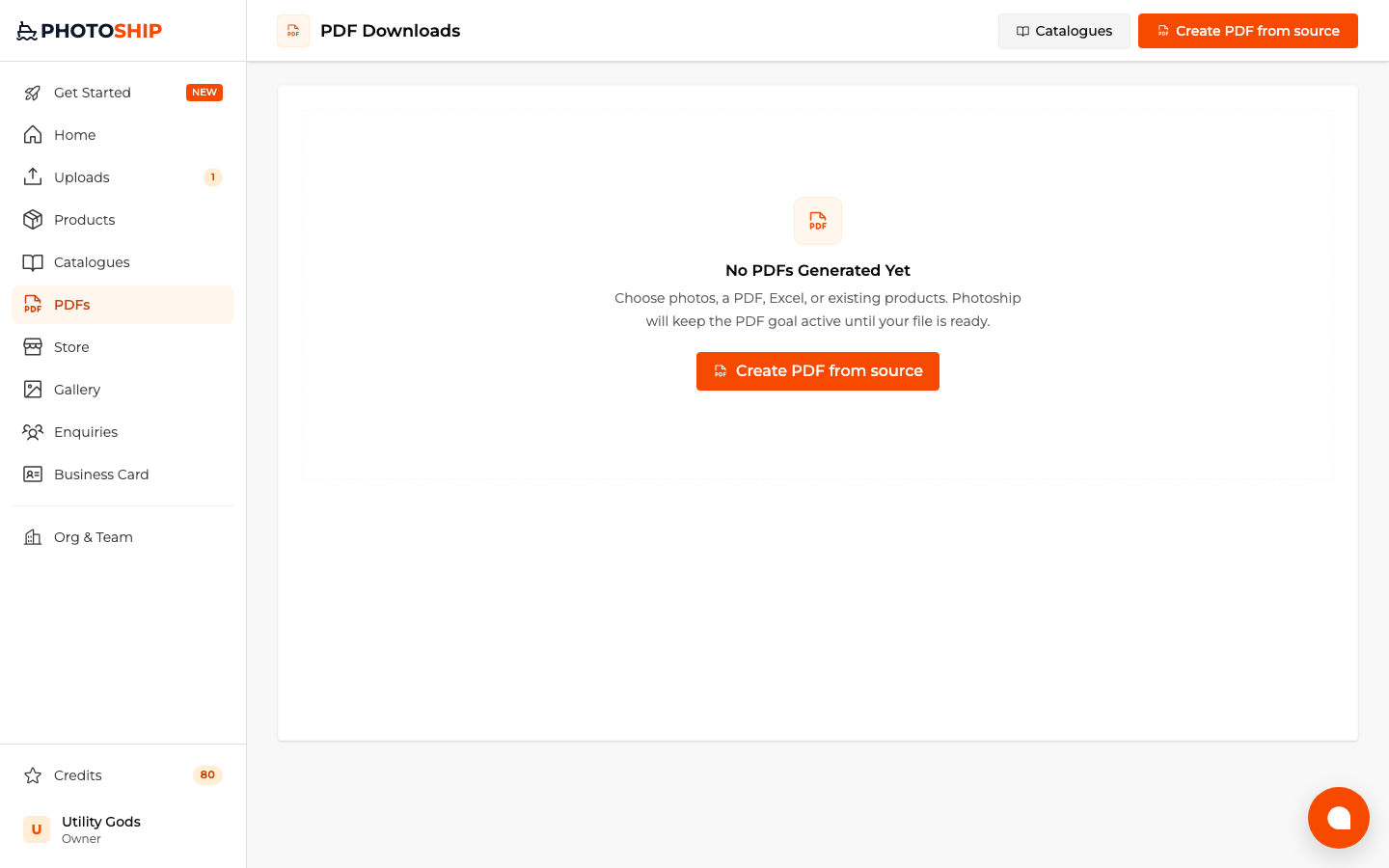
Generate and download
Preview the pages, generate the file, and download it from the PDFs area whenever you need another copy.
Before you publish
- Review catalogue ordering before generation.
- Use a cover and contact details appropriate for the recipient.
- Regenerate after changing source data when you need an updated snapshot.