


How to Share a Product Catalogue on WhatsApp
Give customers a mobile-friendly way to browse your products from WhatsApp. Create a public catalogue link, copy it into a chat or broadcast, and let buyers open the product collection without signing in.
Watch the workflow
Open on YouTubeStep-by-step
- 1
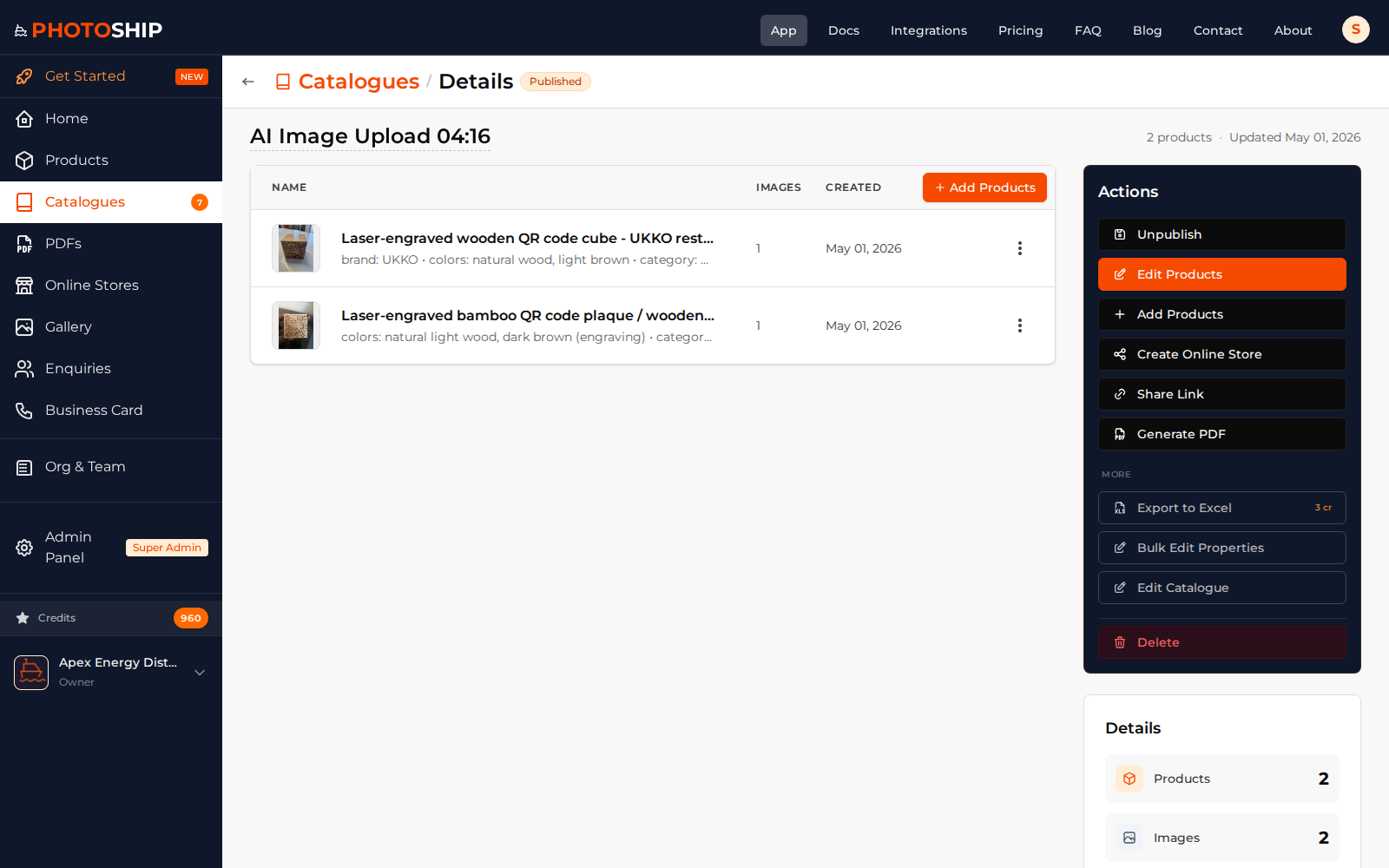
Prepare the catalogue
Review the products, images, names, and prices that customers should see. Keep internal or incomplete products out of the shared selection.
- 2
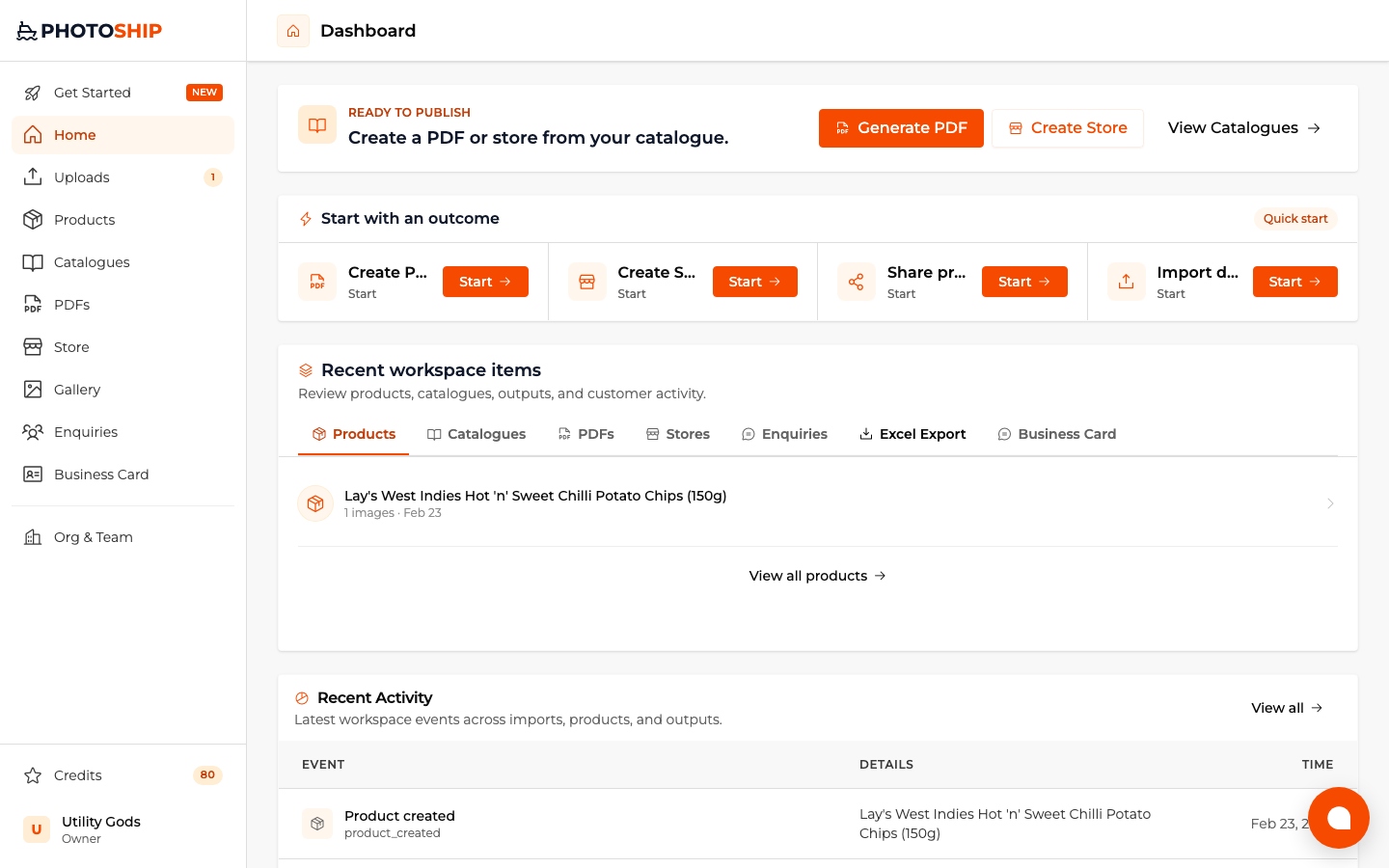
Choose Share products
Start the share workflow from the catalogue or dashboard and select the catalogue as the source.
- 3
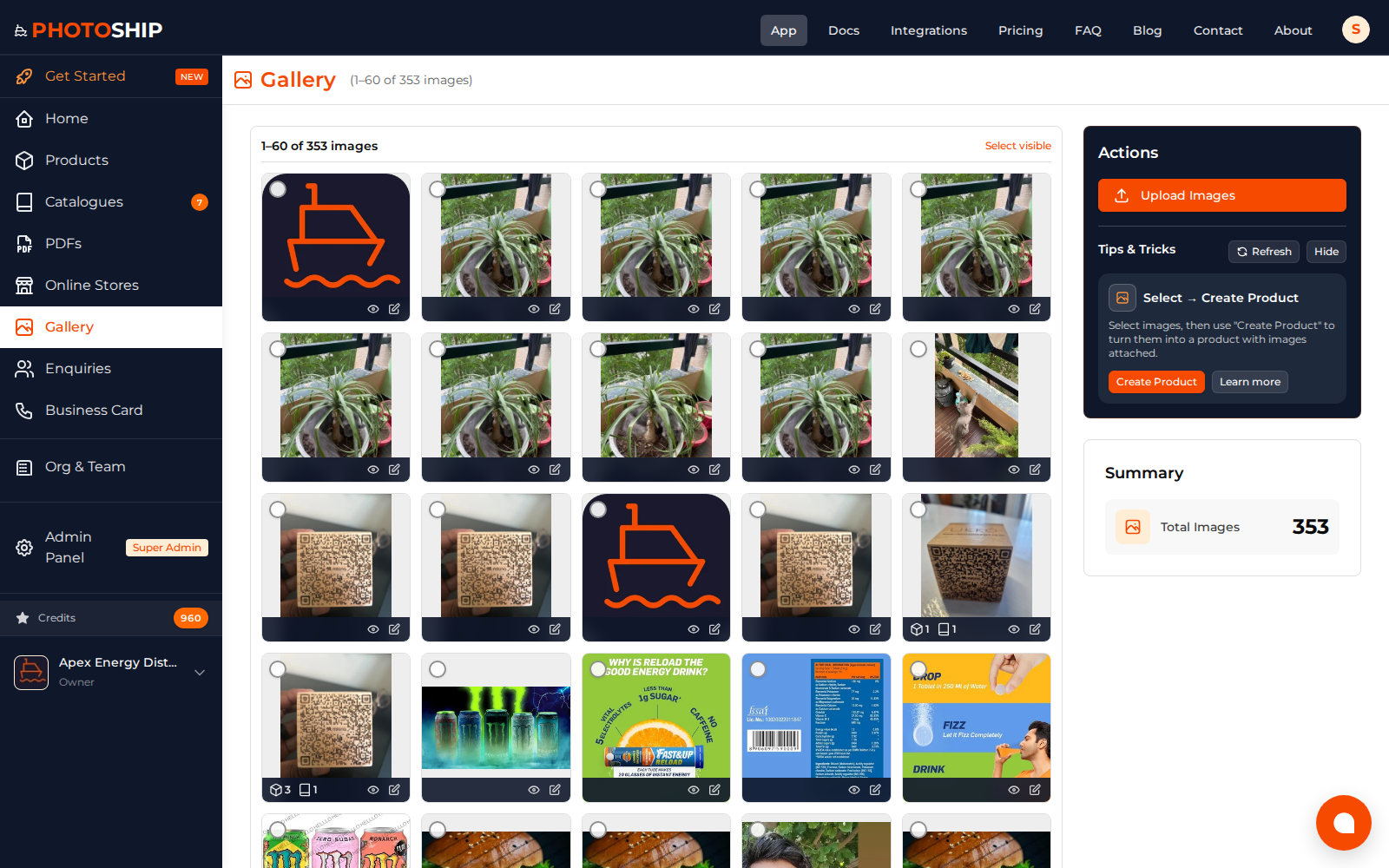
Create the public link
Choose the customer-facing presentation and publish the link. Buyers can open it in a mobile browser without a Photoship account.
- 4
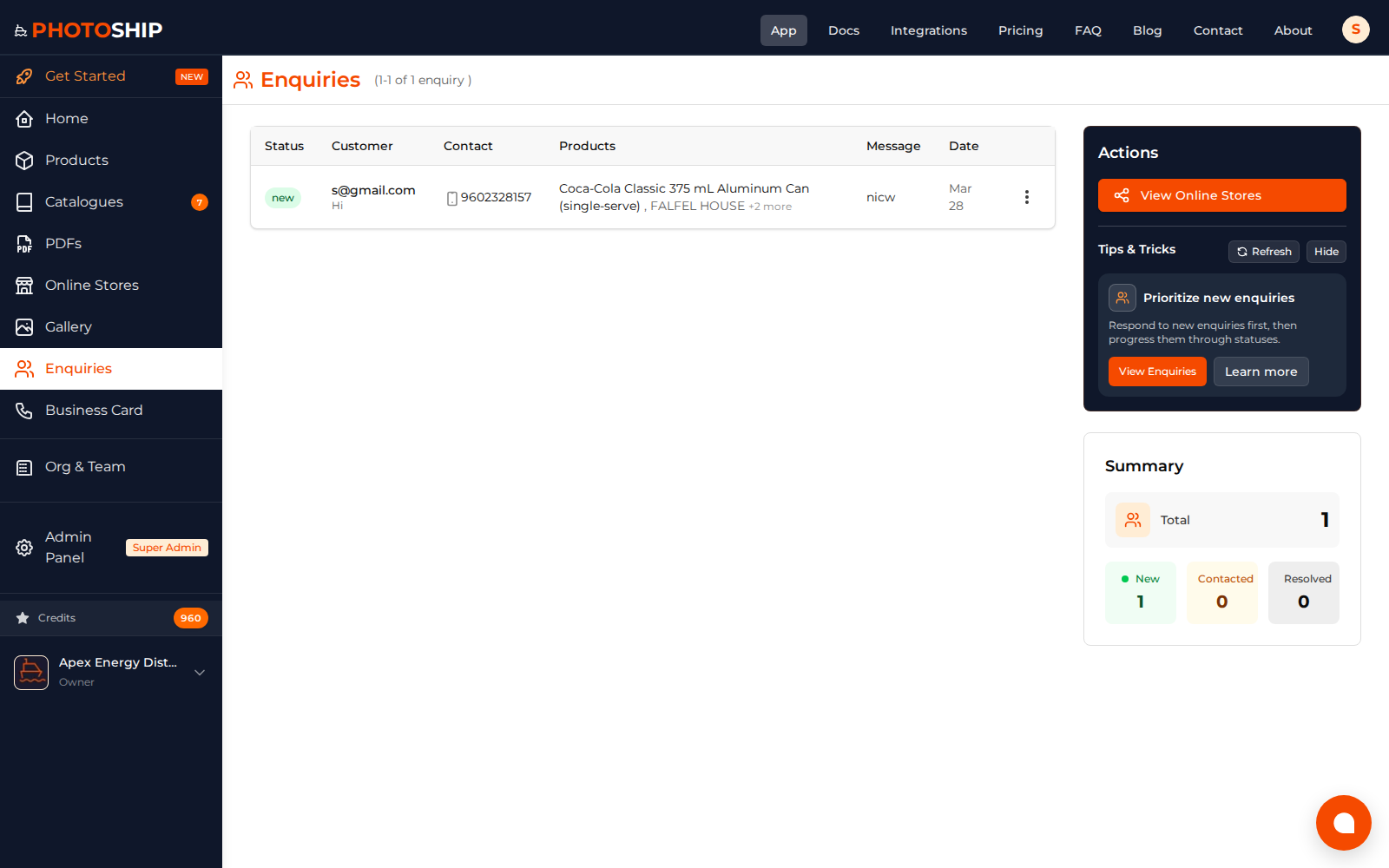
Send it through WhatsApp
Paste the link into a personal chat, group, Status, or approved business message. Add a short explanation and a clear request to browse or enquire.
Before you publish
- Open the link on your own phone before sending it widely.
- Use a descriptive message instead of sending a bare URL.
- Update the source catalogue when prices or availability change.