


How to Create an Online Store from Product Photos
Upload product photos, review the products Photoship prepares, and publish a searchable online store without building a website. Customers can browse, add products to a cart, and send enquiries through WhatsApp.
Watch the workflow
Open on YouTubeStep-by-step
- 1
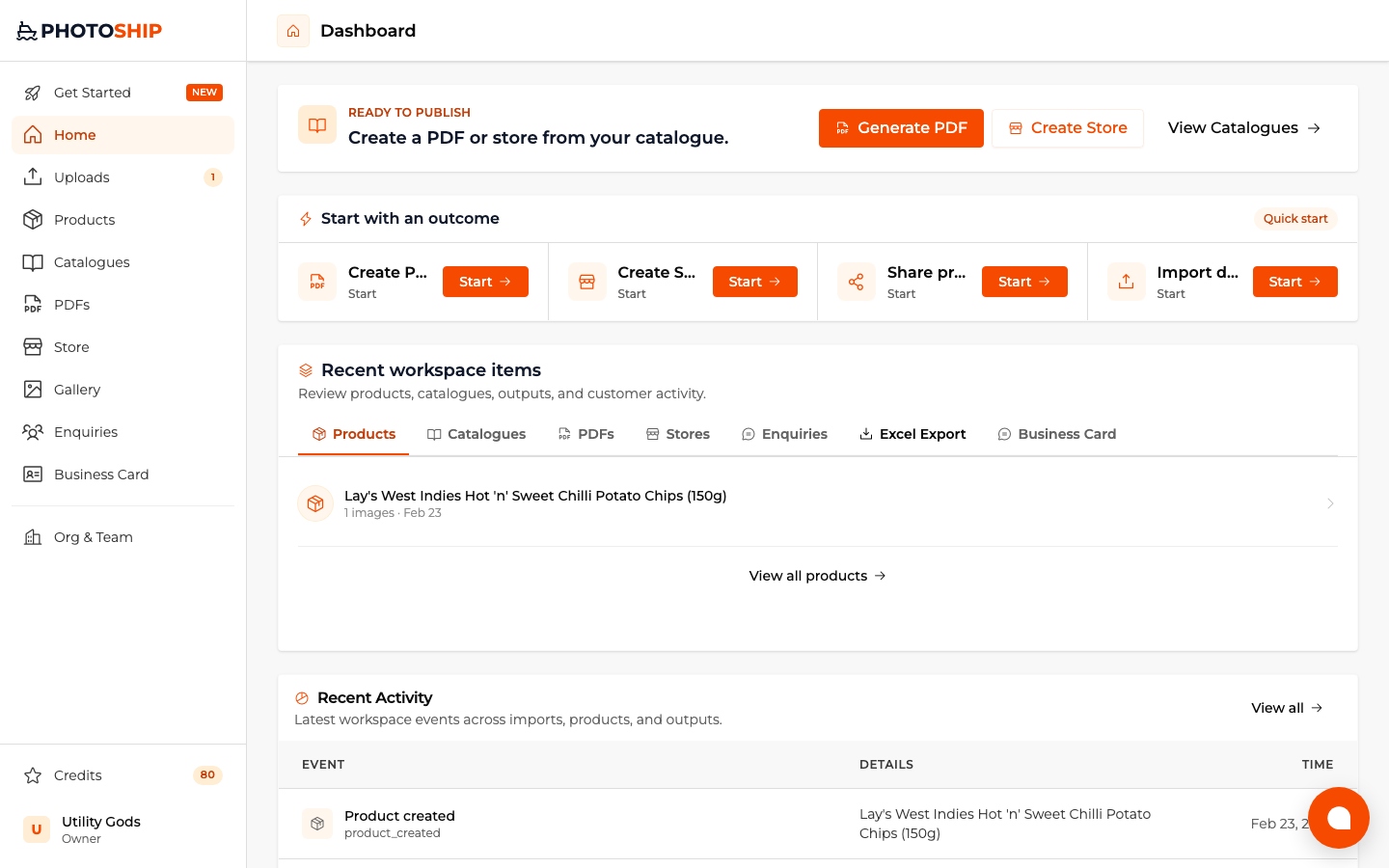
Choose Create Store
Select the store outcome before choosing your source. Photoship remembers that goal while the images are uploaded and processed.
- 2
Select product photos
Upload the images you want to sell from. Choose AI assistance when you want suggested names and descriptions, or image-only mode when you prefer to enter the details yourself.

- 3
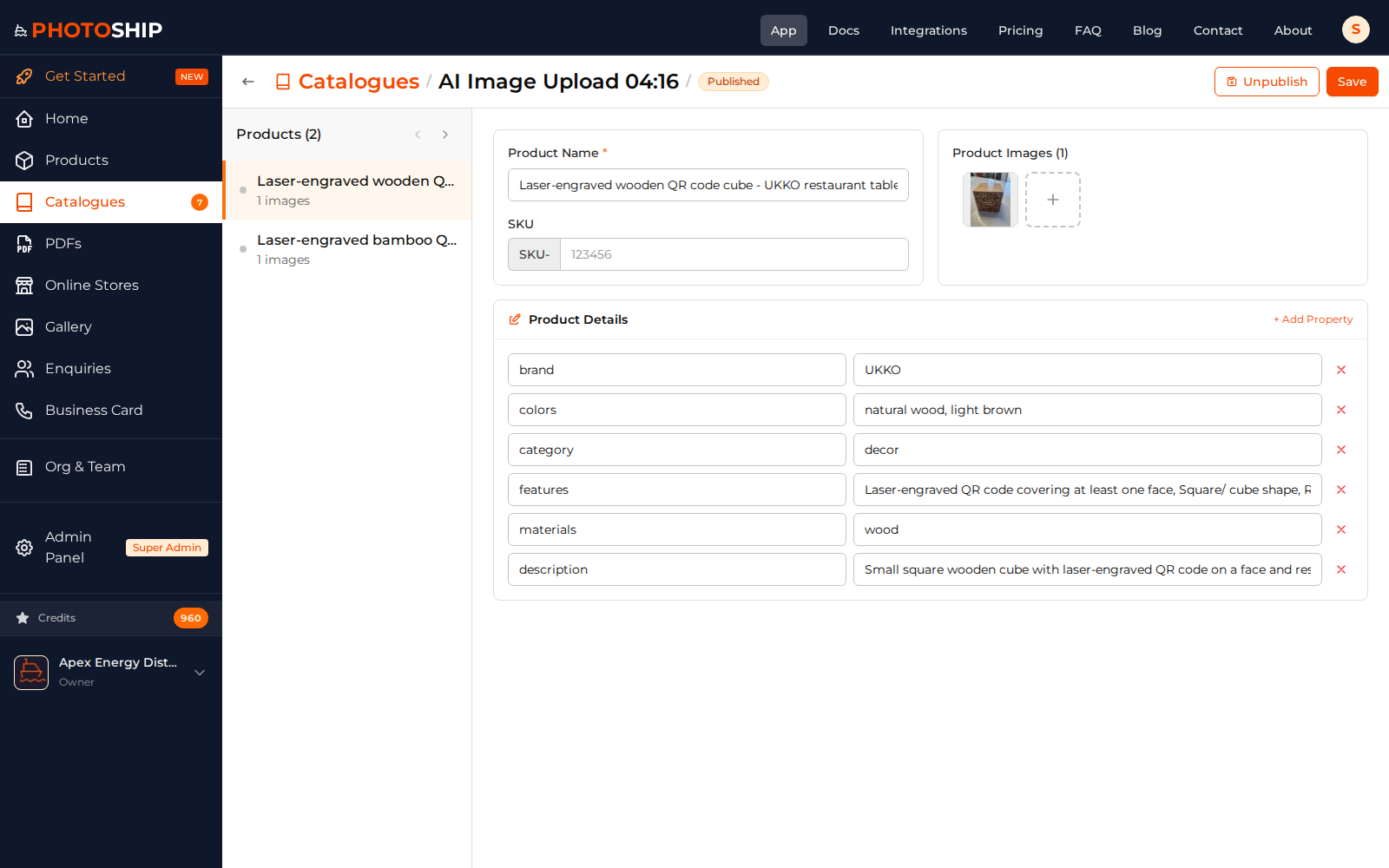
Review products and prices
Open the prepared product list, correct the names and descriptions, add selling prices, and confirm the right image belongs to each product.
- 4
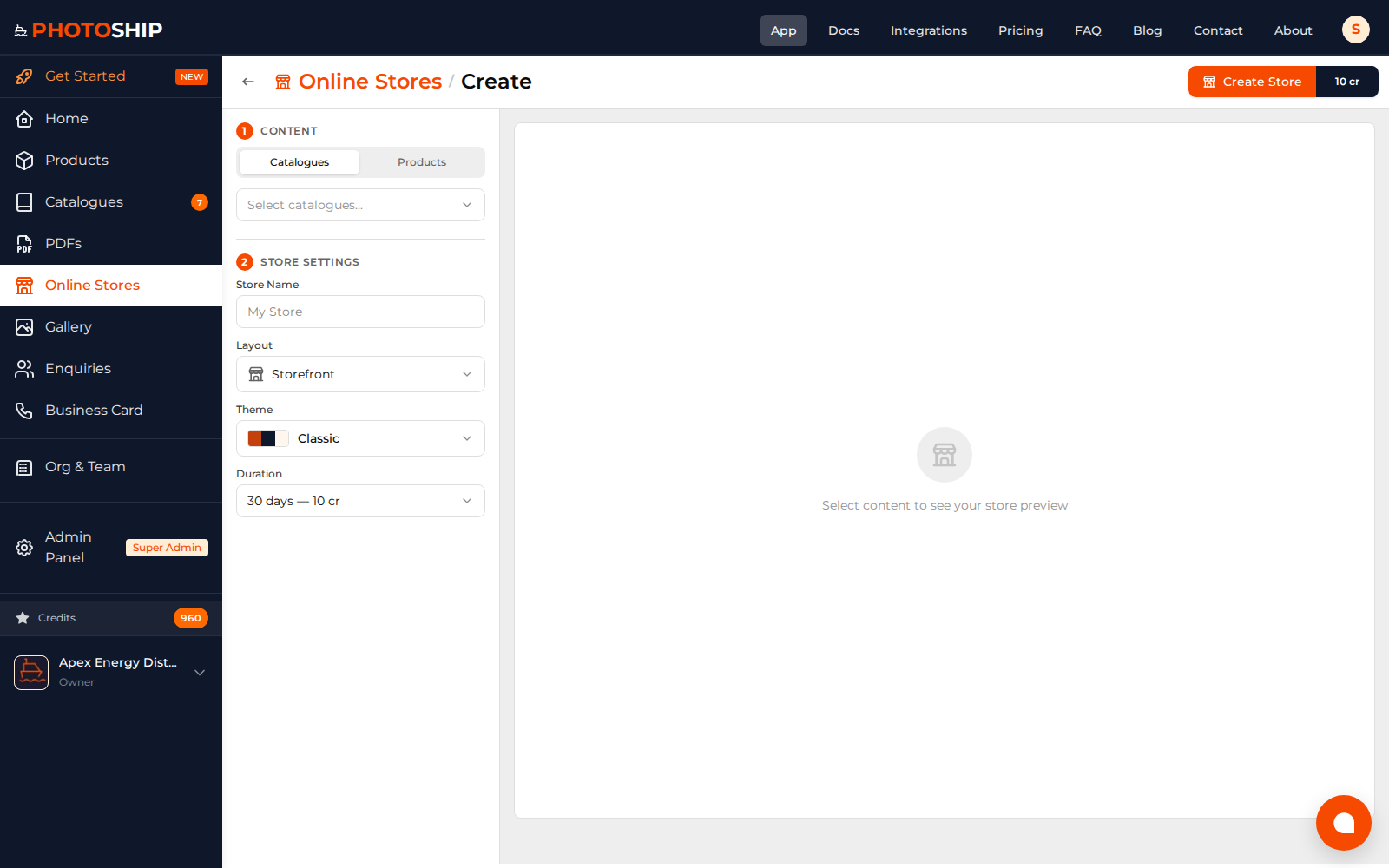
Design and publish the store
Choose a store theme, catalogue visibility, buyer actions, and WhatsApp settings. Preview the result before publishing the shareable store URL.
- 5
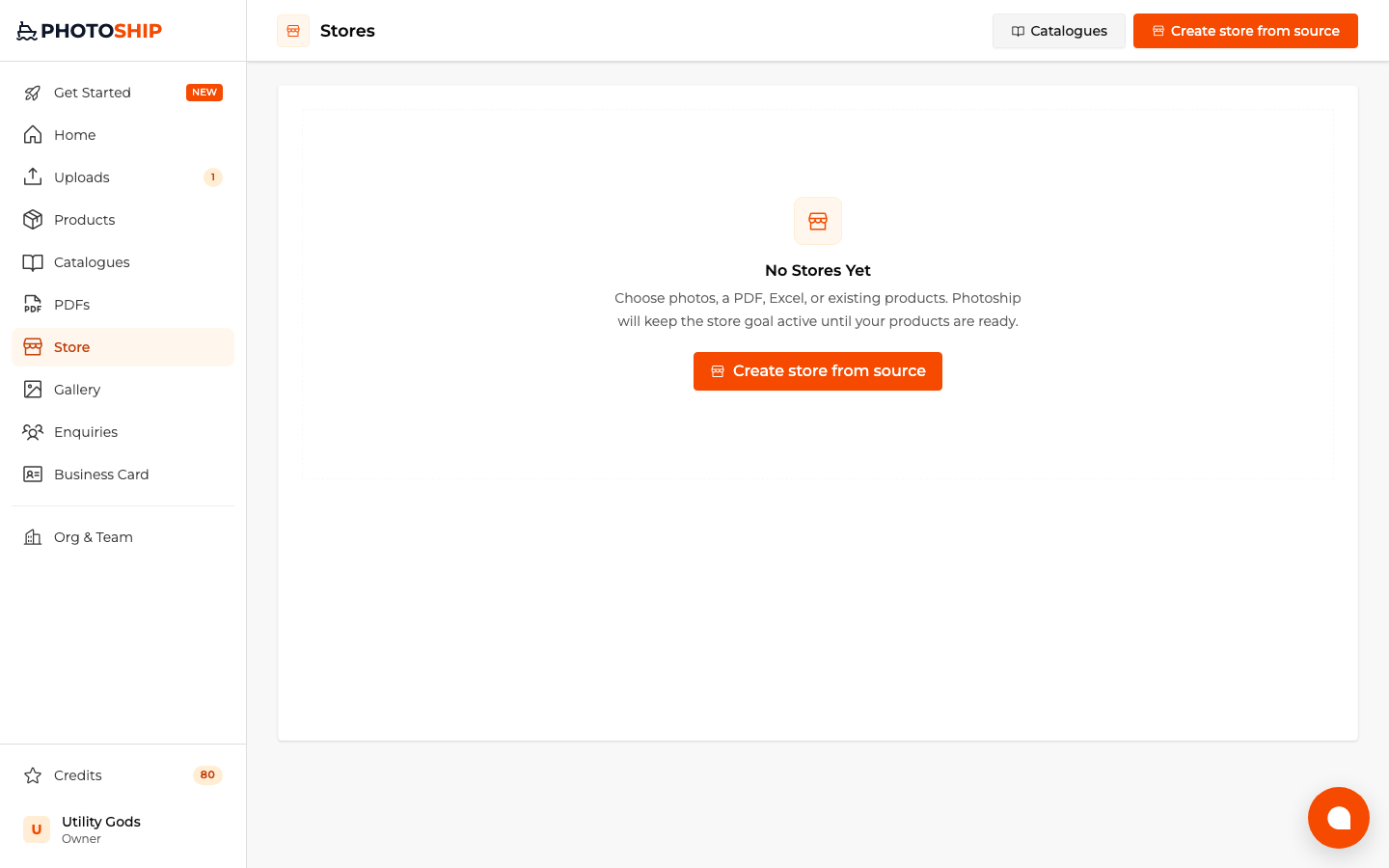
Share and manage the live link
Copy the store link from the Stores page and send it to customers. Product changes stay synchronized with the catalogue that powers the store.
Before you publish
- Add a reliable WhatsApp number before sharing the store.
- Use clear product names because customers will search the store.
- Test the cart and enquiry flow once from a phone.