


How to Create an Online Store from a PDF Catalogue
Convert an existing PDF catalogue into editable products and publish them as a searchable store. You keep the useful source content while giving customers a mobile-friendly link, cart, and enquiry flow.
Watch the workflow
Open on YouTubeStep-by-step
- 1
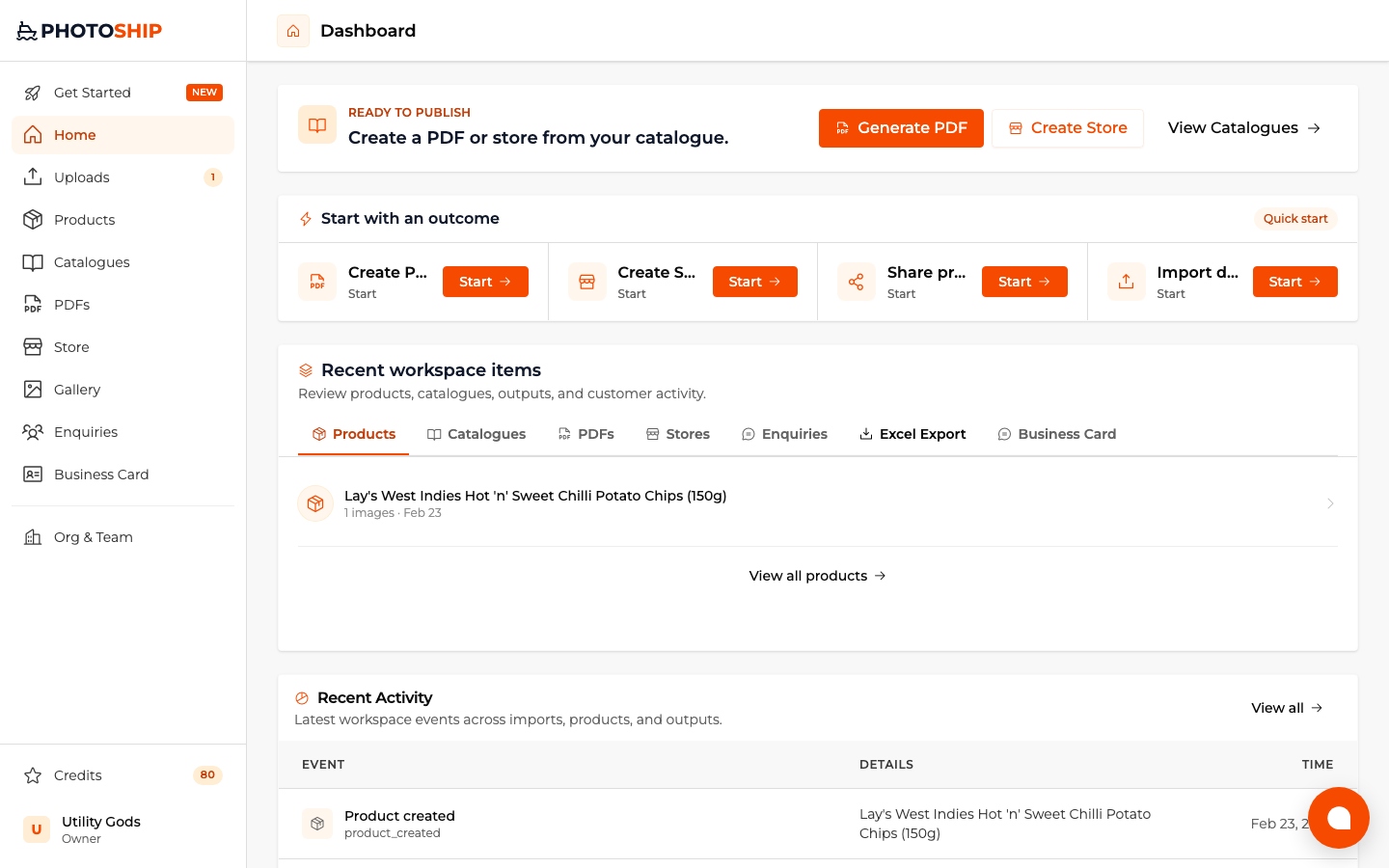
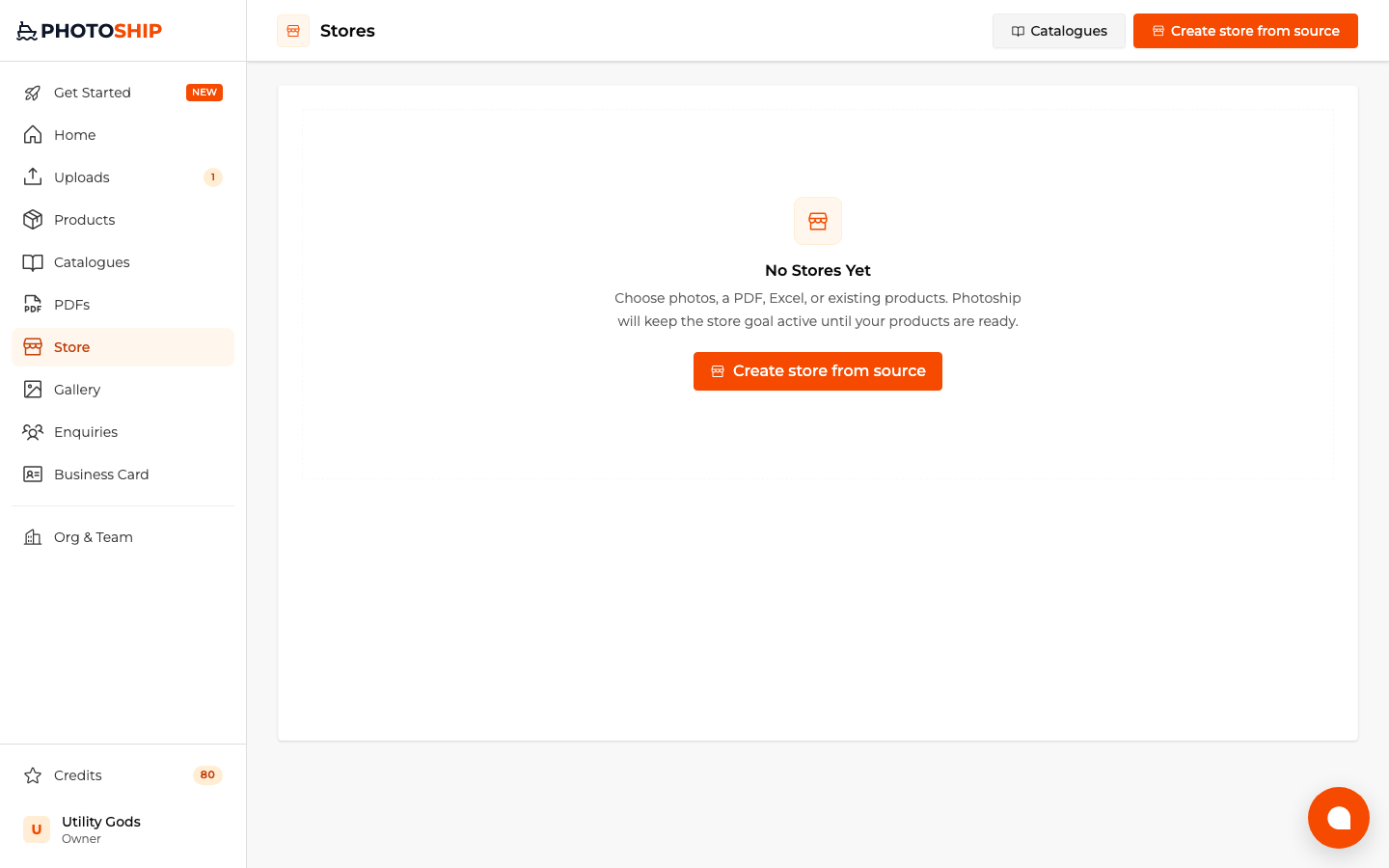
Choose Create Store
Select the store goal, then choose PDF or DOCX as the source. This keeps processing connected to the store builder.
- 2
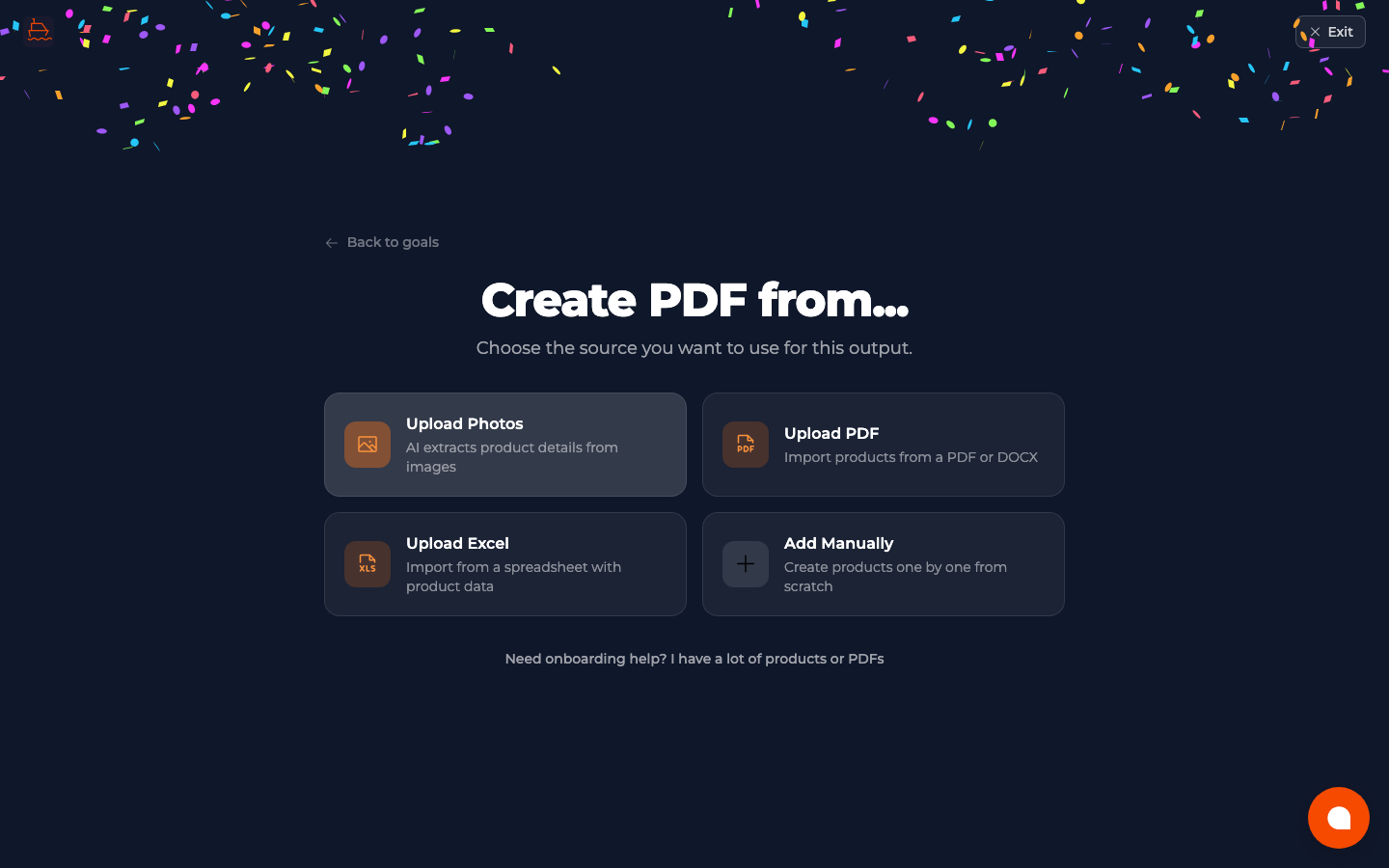
Upload the PDF catalogue
Add the best available source file and wait while Photoship extracts products, details, and usable images.
- 3
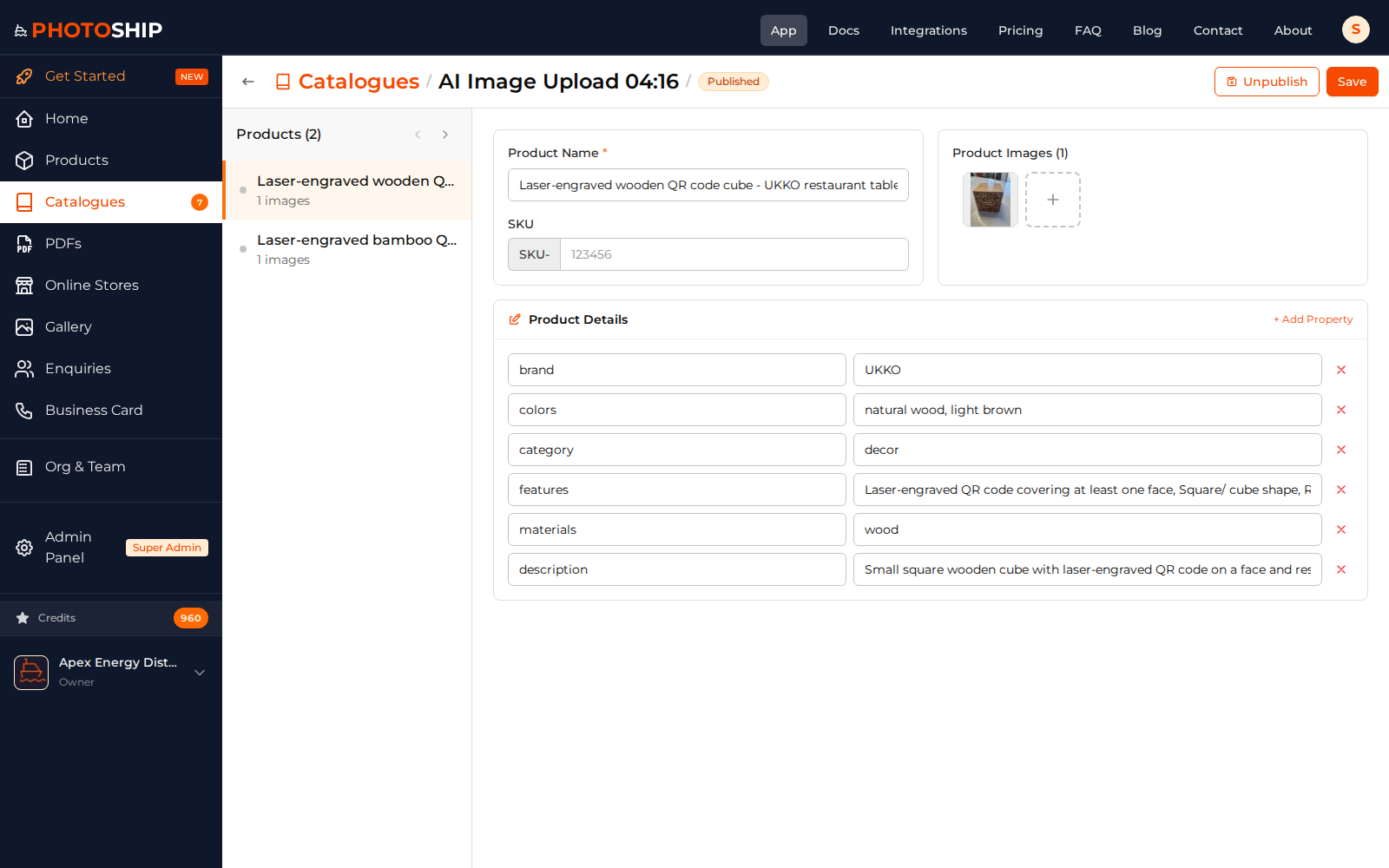
Review extracted products
Correct names, prices, descriptions, variants, and images before customers see them in the store.
- 4
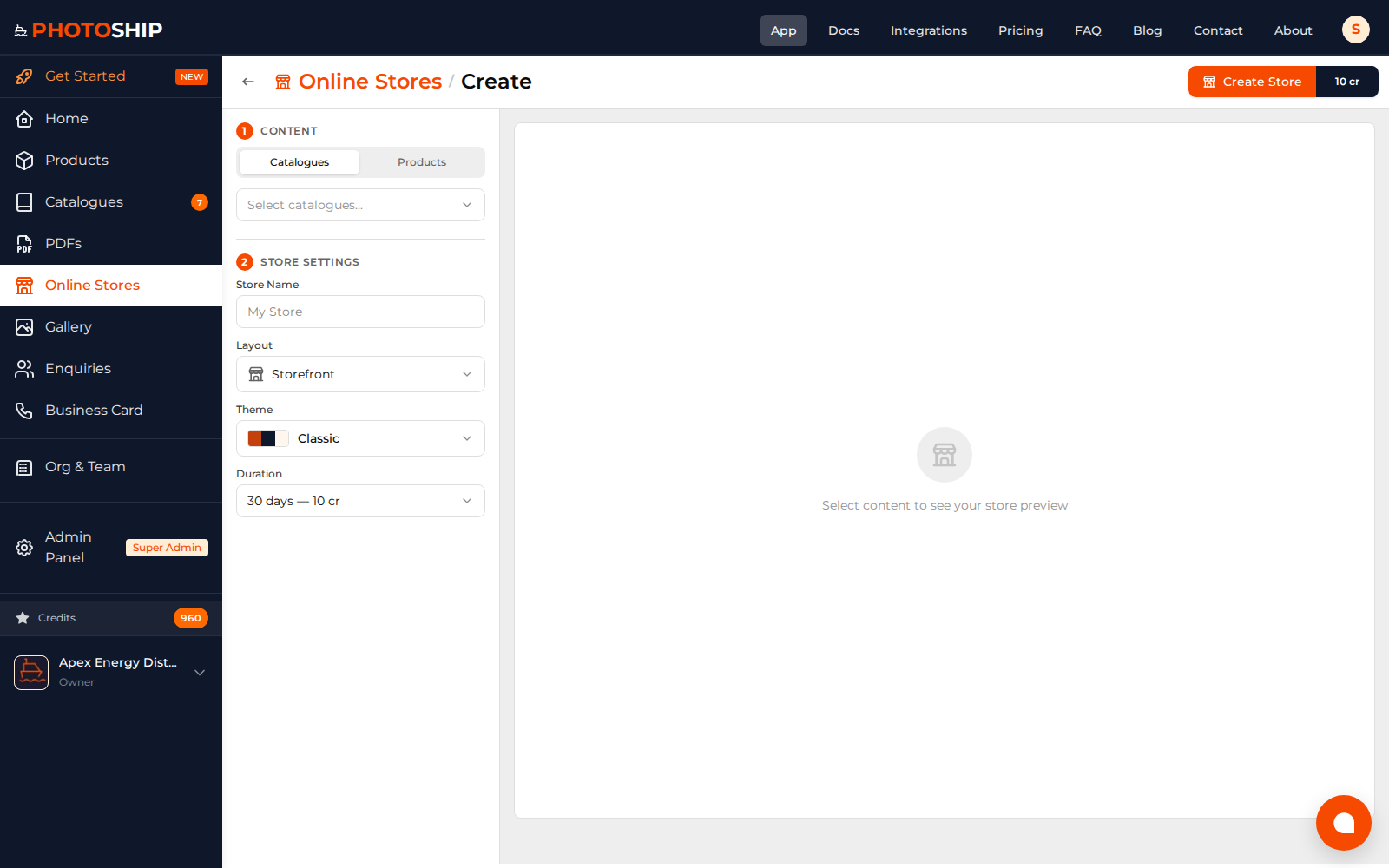
Configure the online store
Choose the theme, buyer actions, catalogue visibility, contact details, and WhatsApp options, then preview the customer experience.
- 5
Publish the store link
Go live and copy the shareable URL. Manage the store and later product updates from the Stores area.
Before you publish
- Use the original high-resolution PDF when available.
- Remove supplier-only notes before publishing.
- Test search, cart, and WhatsApp enquiry on mobile.