


How to Turn a PDF Catalogue into Editable Products
Bring an existing supplier or sales catalogue into Photoship without retyping every product. Upload the PDF or DOCX, let the extraction workflow prepare products and images, then review the result as editable product data.
Watch the workflow
Open on YouTubeStep-by-step
- 1
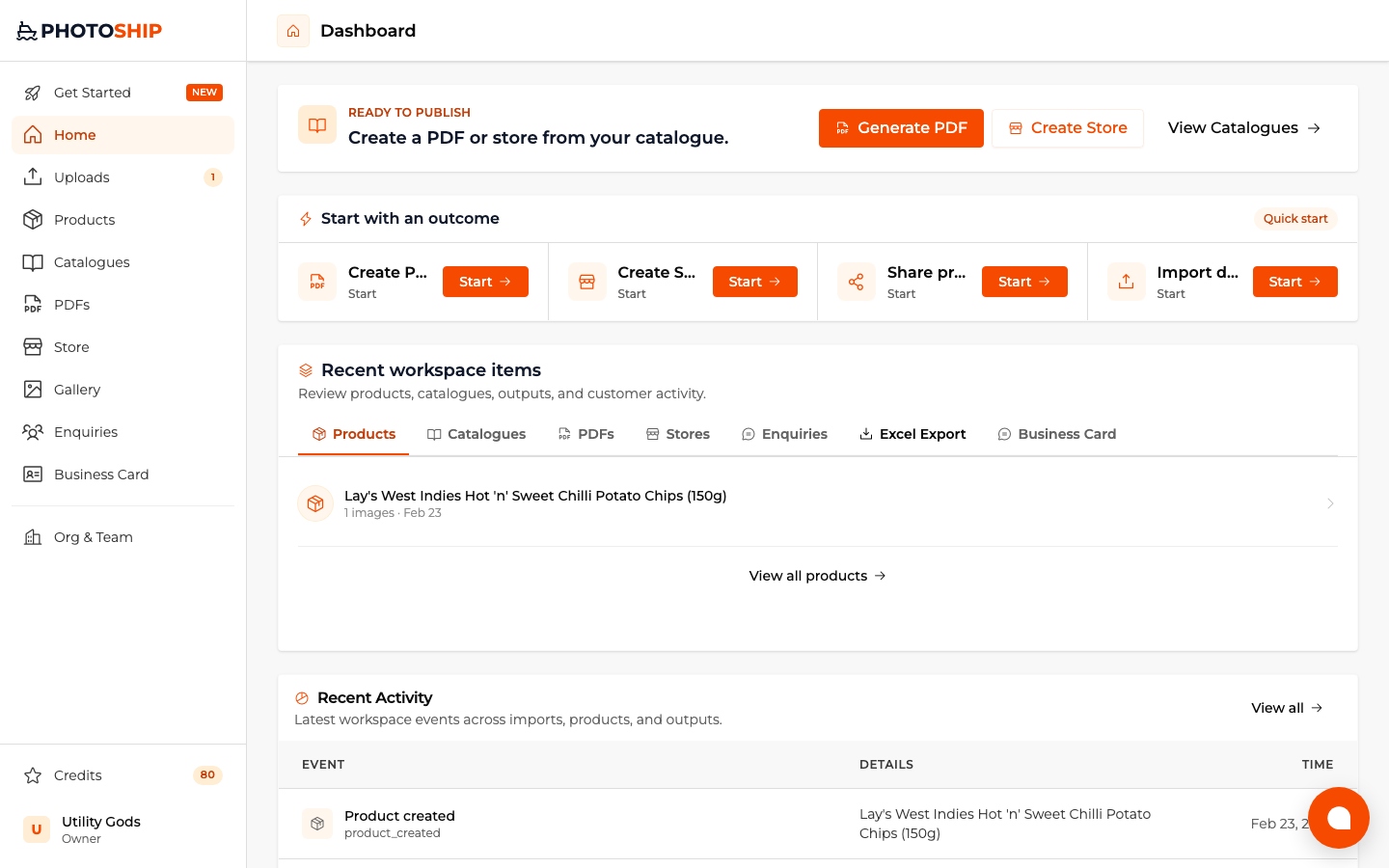
Choose the result you need
Select organize products when you only need editable data, or choose PDF, store, or share when you already know the next output.
- 2
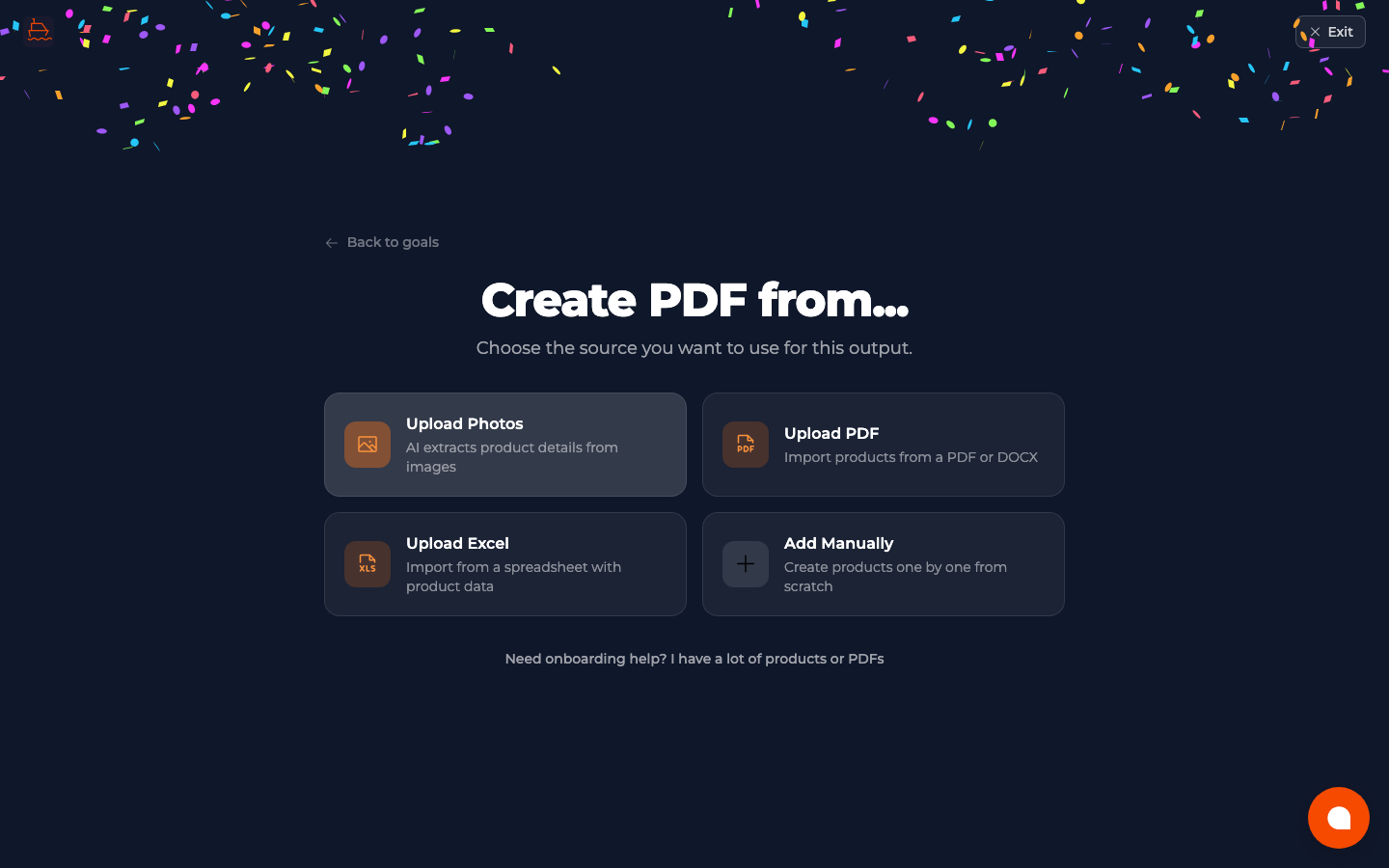
Upload the PDF or DOCX
Choose the document source and upload the catalogue. Clear pages, selectable text, and high-quality product images improve the prepared result.
- 3
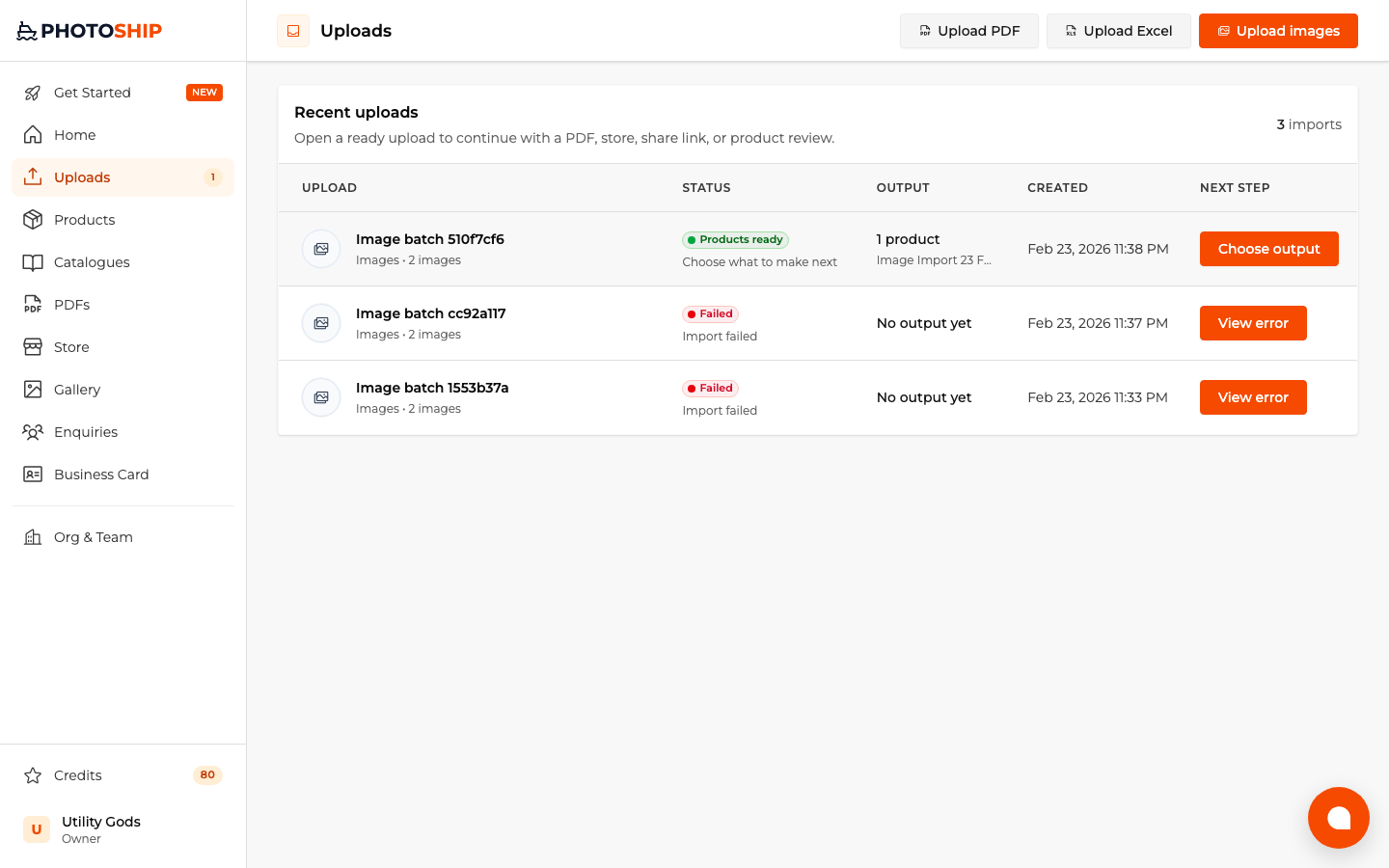
Wait for extraction
Follow processing from Uploads. Photoship prepares real products rather than a temporary staging list, so the result can power every output later.
- 4
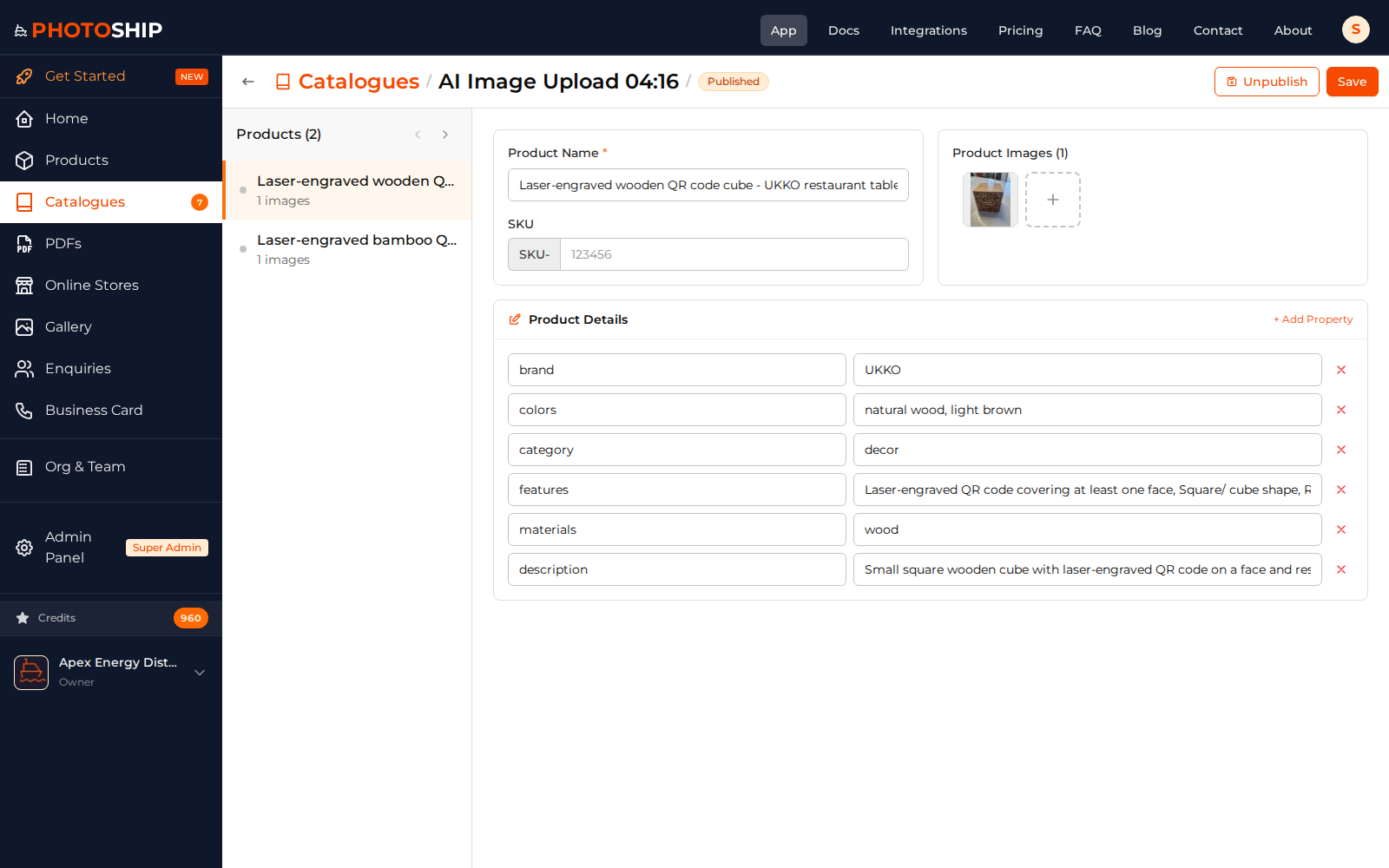
Review and correct products
Check names, descriptions, prices, images, and variants. Merge or remove anything the source document represented ambiguously.
Before you publish
- Use the original PDF instead of screenshots when possible.
- Review currency symbols and price columns carefully.
- Split very large unrelated catalogues into focused imports.