


How to Turn Product Photos into a Shareable Catalogue
Start with a folder of product images and finish with a clean catalogue link you can send to buyers. Photoship prepares product details from the photos, keeps the products editable, and lets you review everything before publishing.
Watch the workflow
Open on YouTubeStep-by-step
- 1
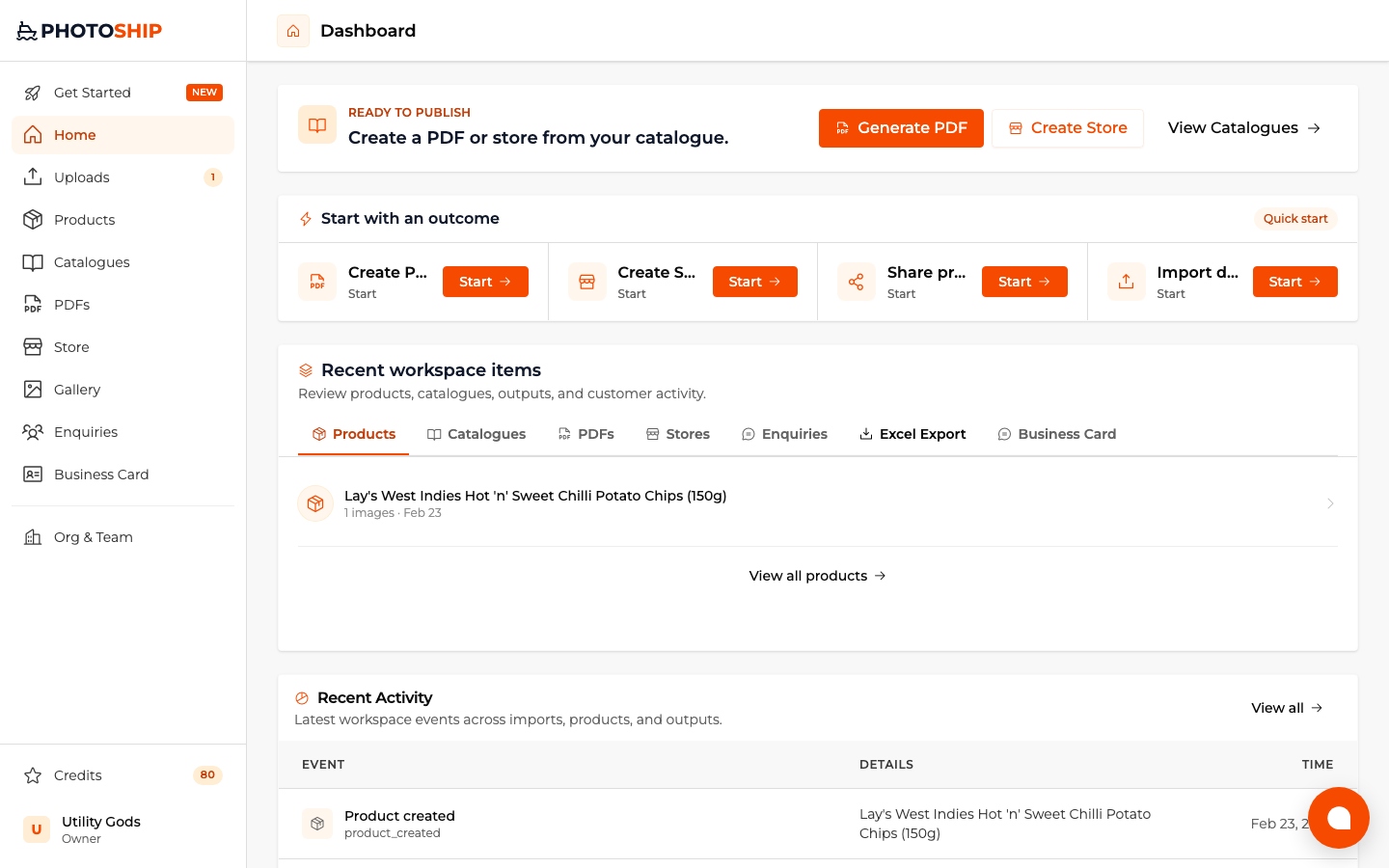
Choose the catalogue or share goal
Start from the Photoship dashboard and choose the result you want. Selecting the goal first keeps the image upload connected to the catalogue you intend to publish.
- 2
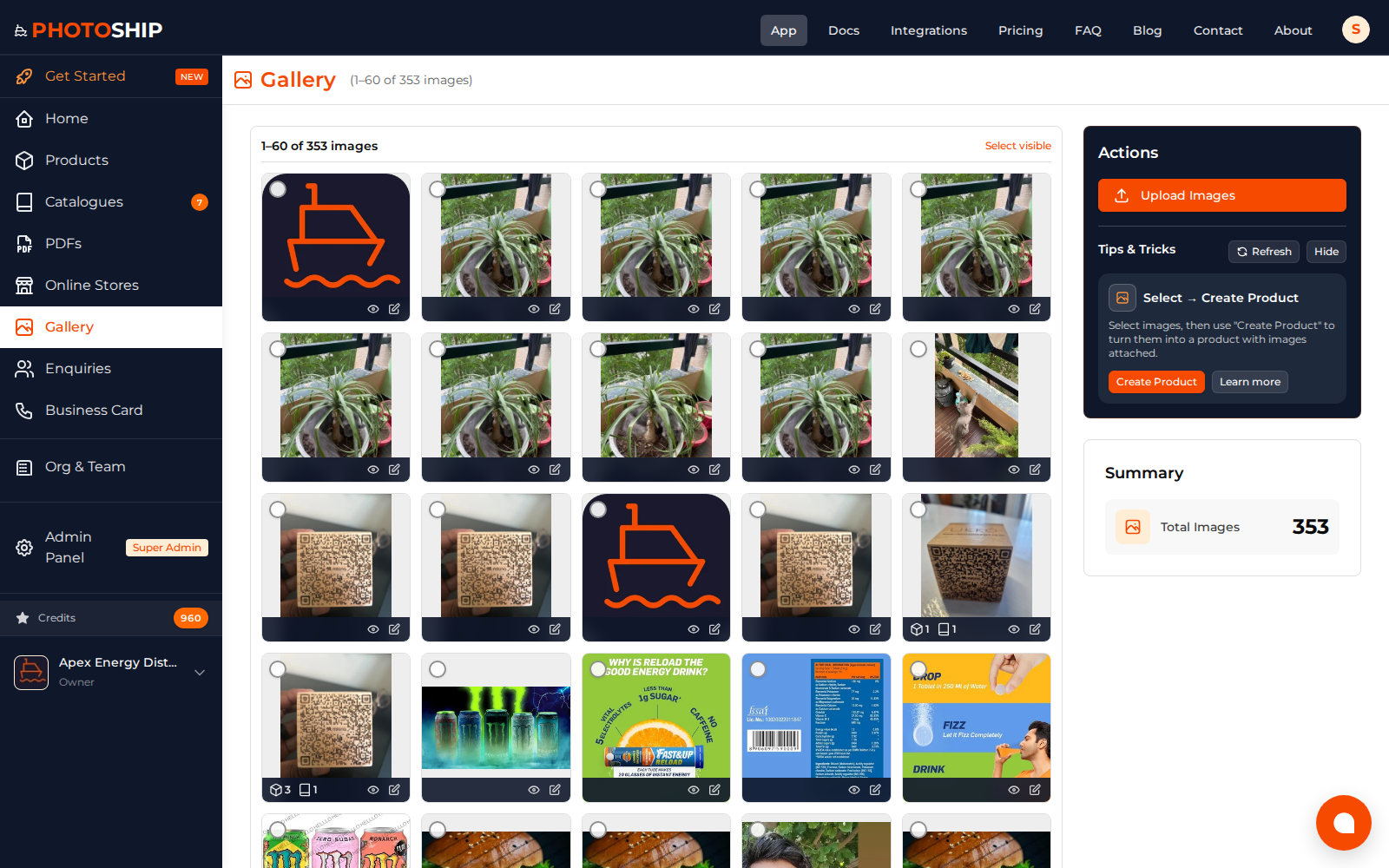
Upload your product photos
Choose clear product images and upload them as one batch. You can use AI assistance for names and descriptions or continue with image-only products and add details yourself.

- 3
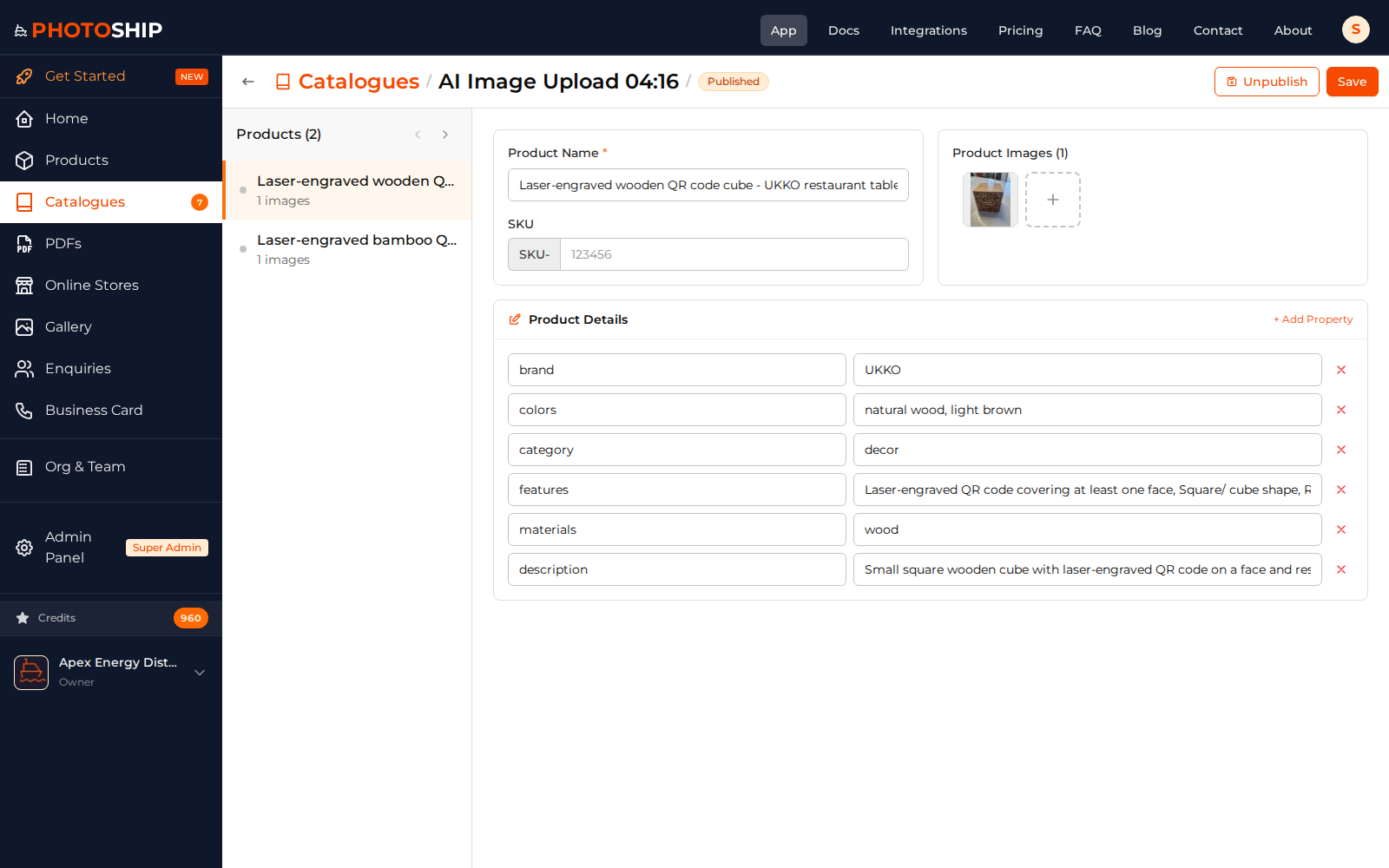
Review the prepared products
Check product names, prices, descriptions, and images before publishing. Correcting the product library here keeps every later PDF, store, and share link accurate.
- 4
Publish and share the catalogue
Choose the presentation, create the customer-facing link, and send it through WhatsApp, email, or a QR code. Buyers can browse without signing in.
Before you publish
- Use one main product per image for the cleanest extraction.
- Review prices manually before sharing with customers.
- Keep the catalogue as the reusable product grouping for future PDFs and stores.