


How to Create an Organization and Invite Your Team
Create a shared business organization so several people can maintain products, catalogues, stores, and enquiries with the right access. Invite teammates and assign roles instead of sharing one login.
Watch the workflow
Open on YouTubeStep-by-step
- 1
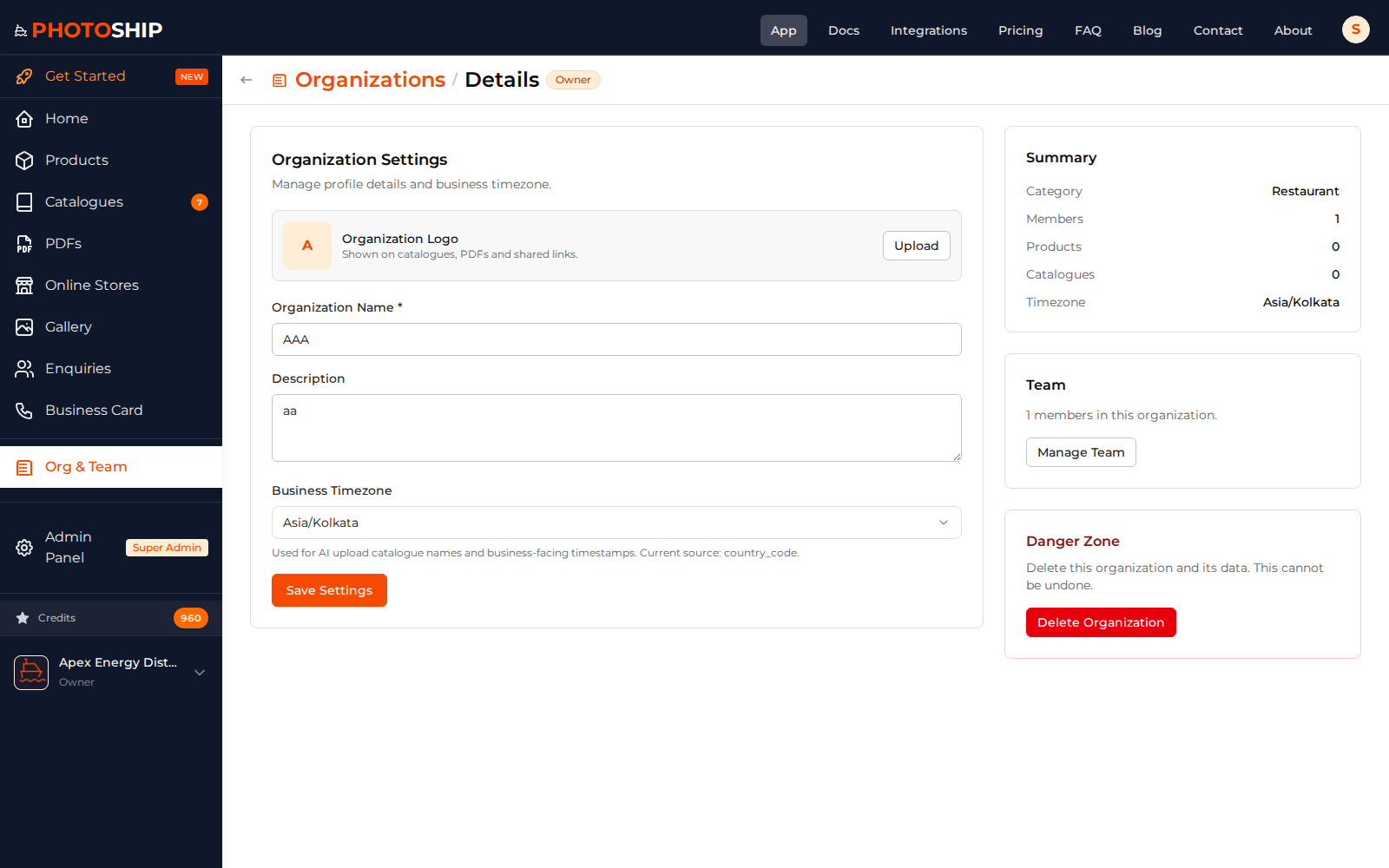
Create the organization
Open organization settings, add the business name, and confirm the organization that will own the products and outputs.
- 2
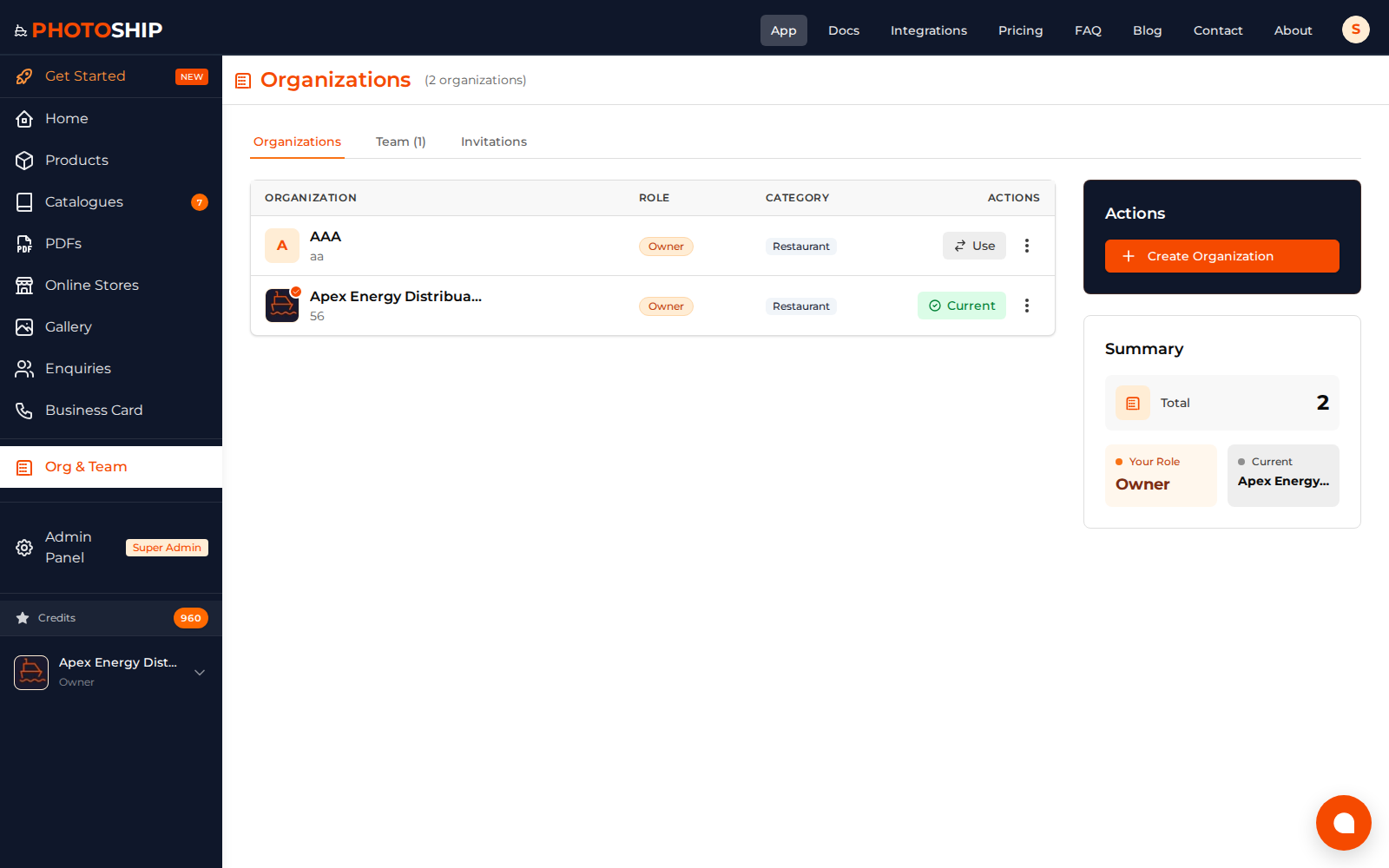
Invite team members
Enter each teammate's email address and send an invitation. They should accept with the account that will be used for work.
- 3
Assign the right role
Use Owner for full control and choose narrower roles for people who only need to edit or view business data.
- 4
Confirm shared access
Ask the teammate to switch to the organization and verify that the expected product and catalogue areas are available.
Before you publish
- Keep at least one active owner account.
- Give each person the least access needed for their work.
- Remove access promptly when someone leaves the team.