


How to Create a PDF Catalogue from Selected Products
Choose products already saved in Photoship and turn that selection into a professional PDF. This route is useful for a focused buyer list, seasonal collection, price sheet, or temporary sales catalogue.
Watch the workflow
Open on YouTubeStep-by-step
- 1
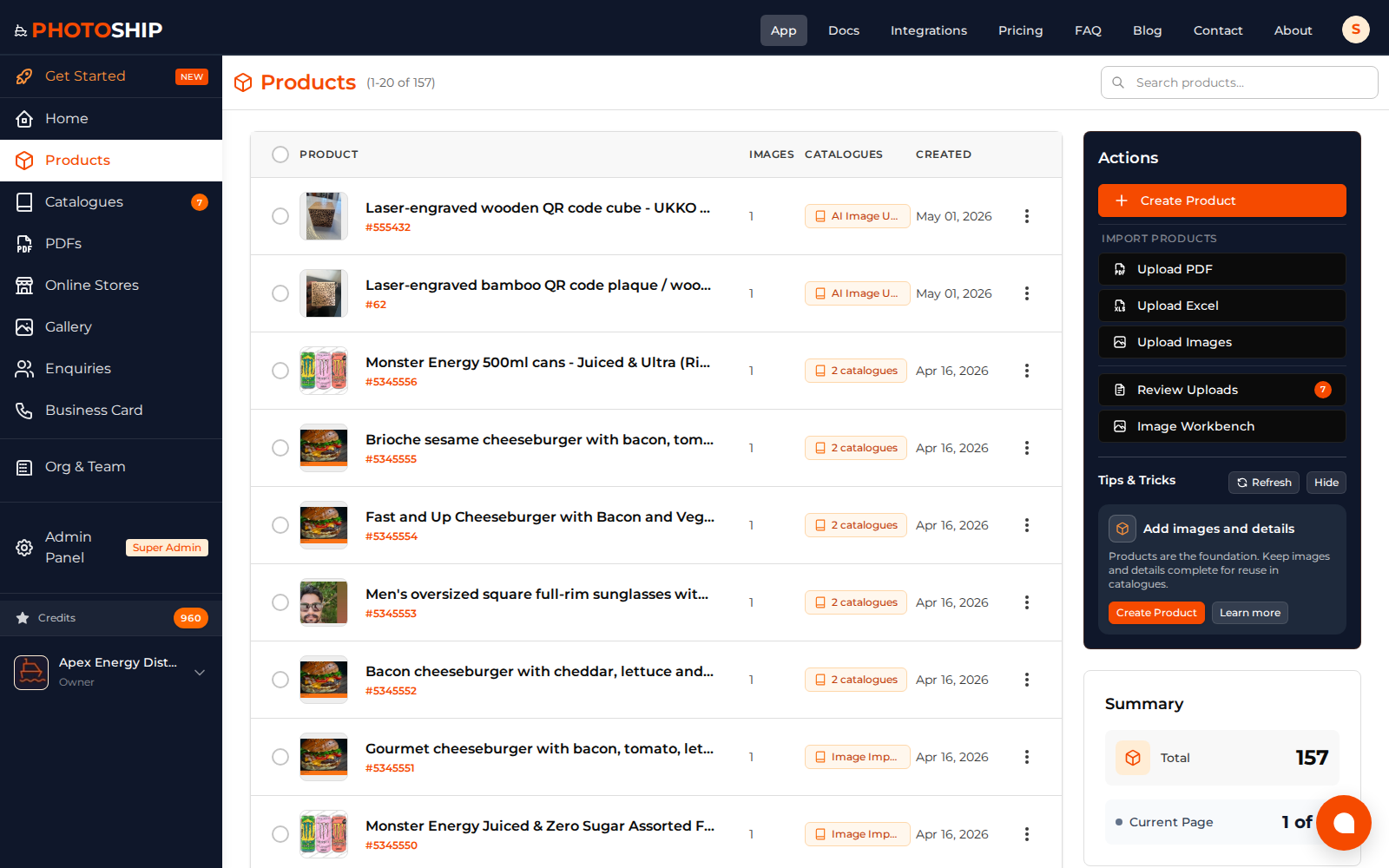
Select the products
Open the product library, choose the items for this PDF, and start the PDF action. Photoship creates the catalogue grouping required for the output.
- 2
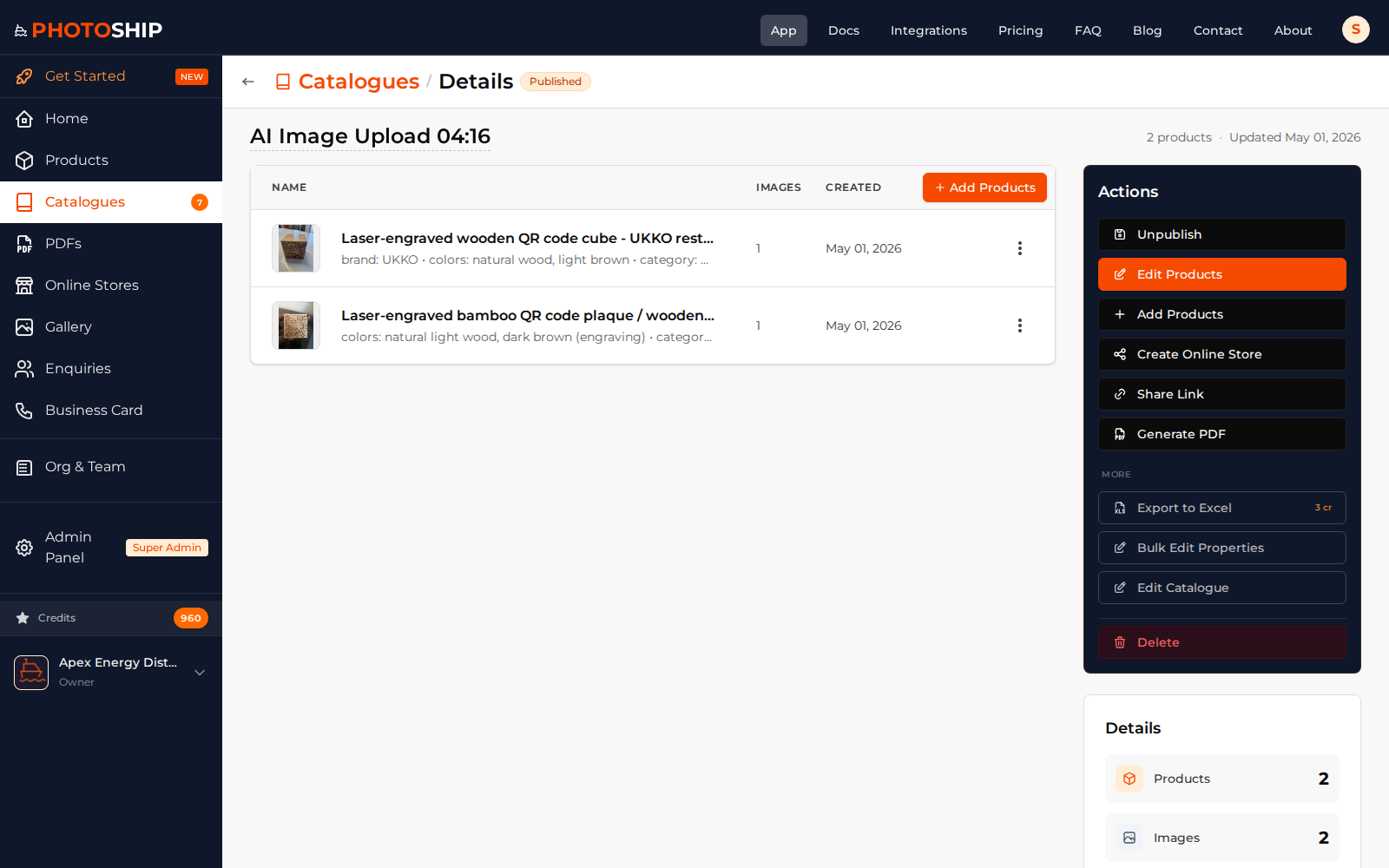
Review the collection
Confirm the selected products, ordering, images, names, and prices before moving into design.
- 3
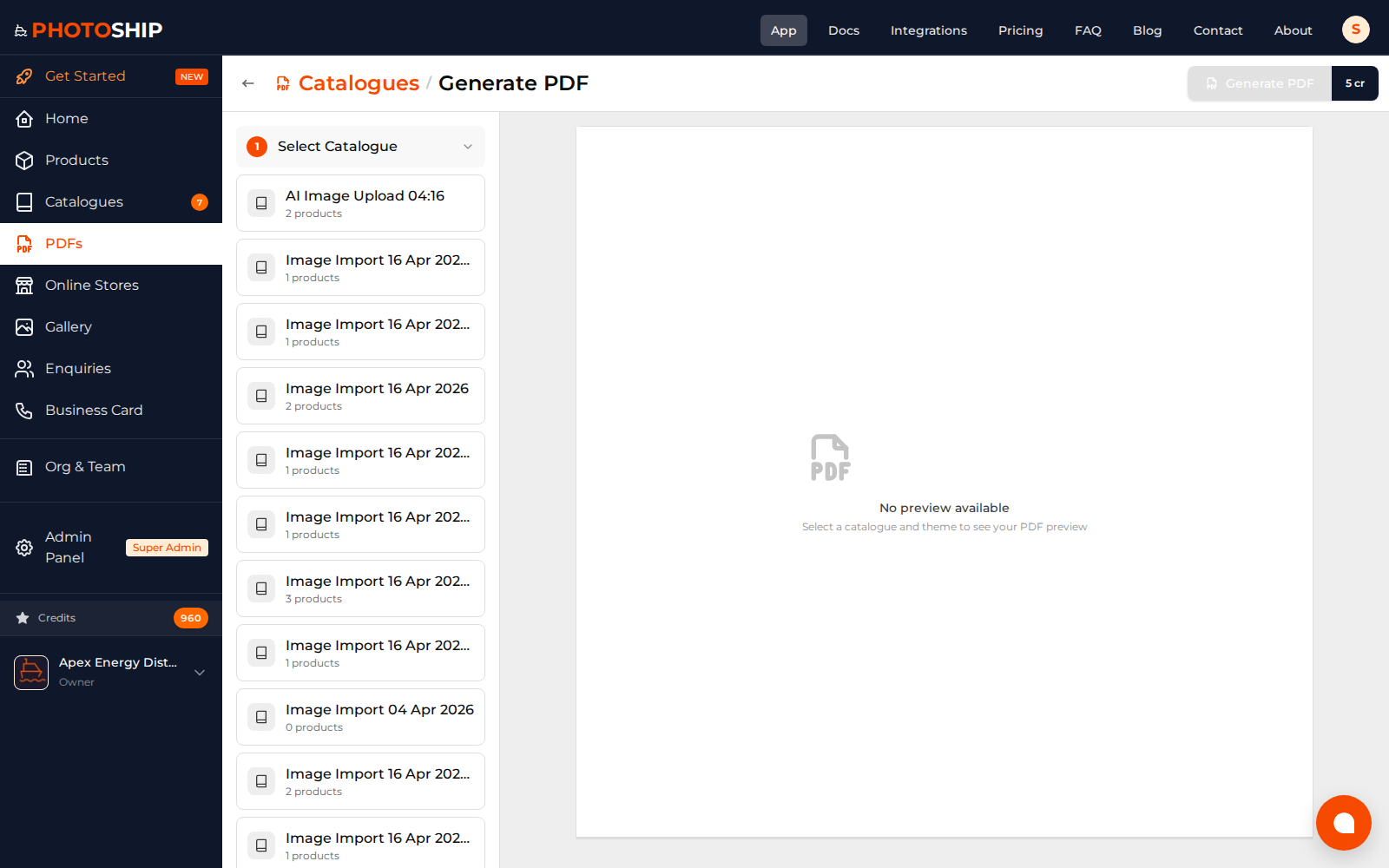
Choose a PDF layout
Select the theme, page layout, visible fields, cover options, currency, and business contact details.
- 4
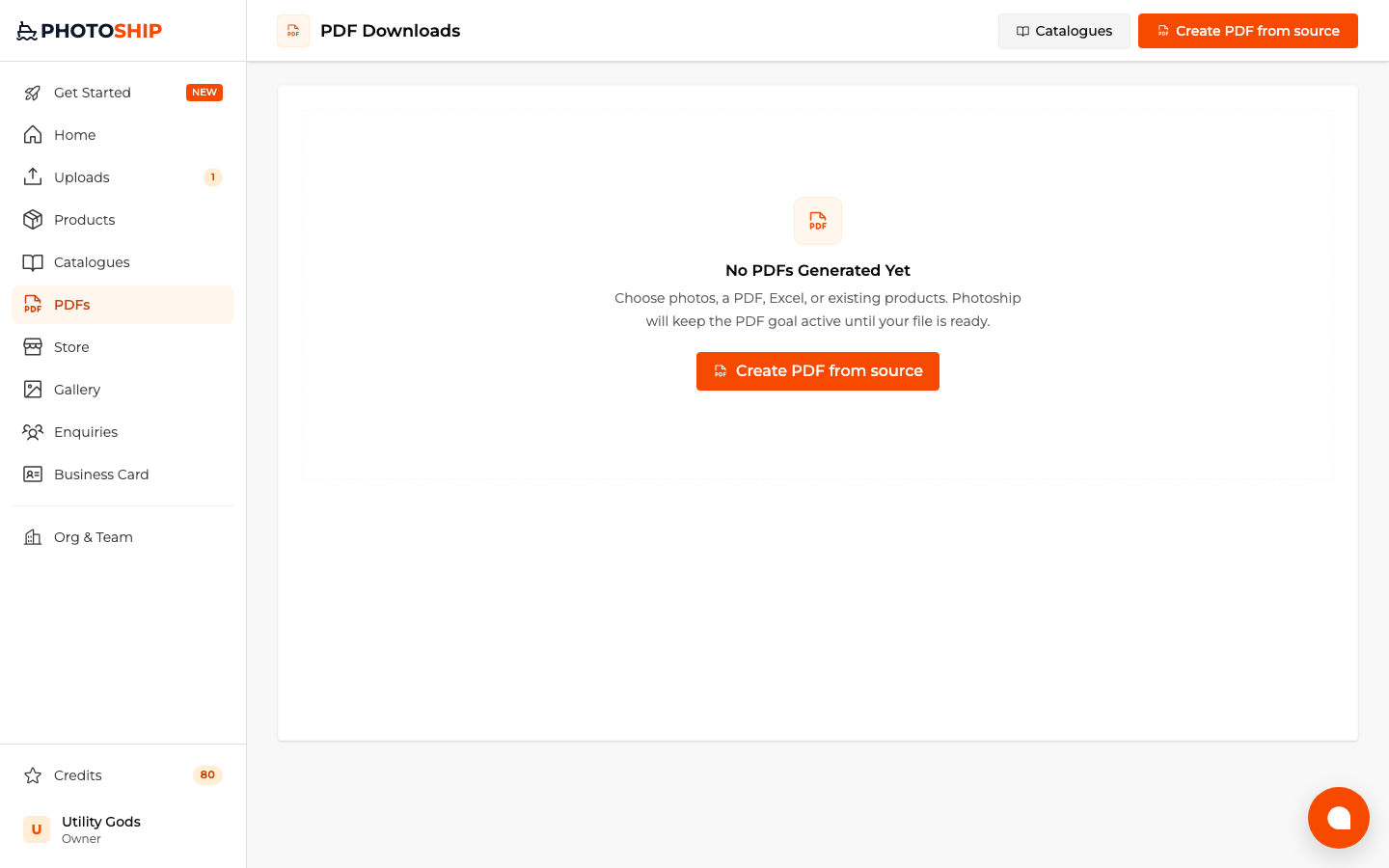
Preview and generate
Review page breaks and image cropping, generate the PDF, and download it from the PDFs page.
Before you publish
- Use a focused selection rather than every product by default.
- Order products before generating when sequence matters.
- Keep product images at a consistent quality.